CarPlay updates in iOS 27

“You don't wanna get mixed up with a guy like me. I'm a loner, Dottie. A rebel.”
— Pee-wee's Big Adventure (1985)
I like to live on the edge so whenever WWDC takes place and Apple releases new OS software to developers, I grab a copy immediately, because yolo.
I haven't noticed too many big changes on either my phone or my Mac with the new software but I did notice a few things while driving for a couple hours using CarPlay today and figured I'd write them down.
Apple typically rolls out new CarPlay features slowly over a series of months and I suspect more is on the way. There's also the high likelihood that app developers will update their apps to support some of the new features.
Audio playback changes
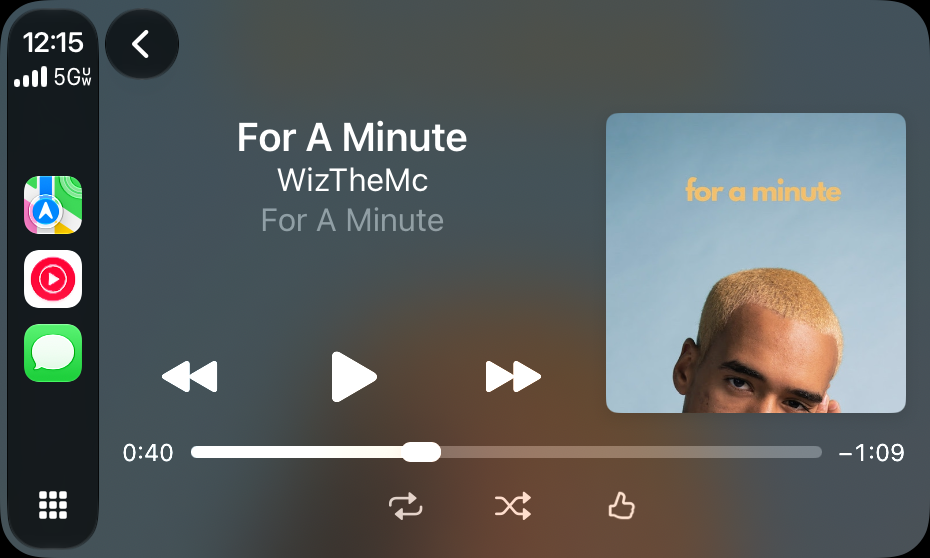
The biggest change I've noticed is the little pill on the playbar above, which wasn't on previous versions of Apple's OS. Do you see the white blob at around the middle of the track? The good news is that I discovered today by accident that you can grab it with your finger and slide a track to any time on the timeline.
You've never been able to do this in CarPlay before! I remember trying to share a section of a podcast with someone where it got really interesting around the 31 minute mark but in the past, you had to grab your phone and to change the time in a track, but now you can do it from the dashboard.
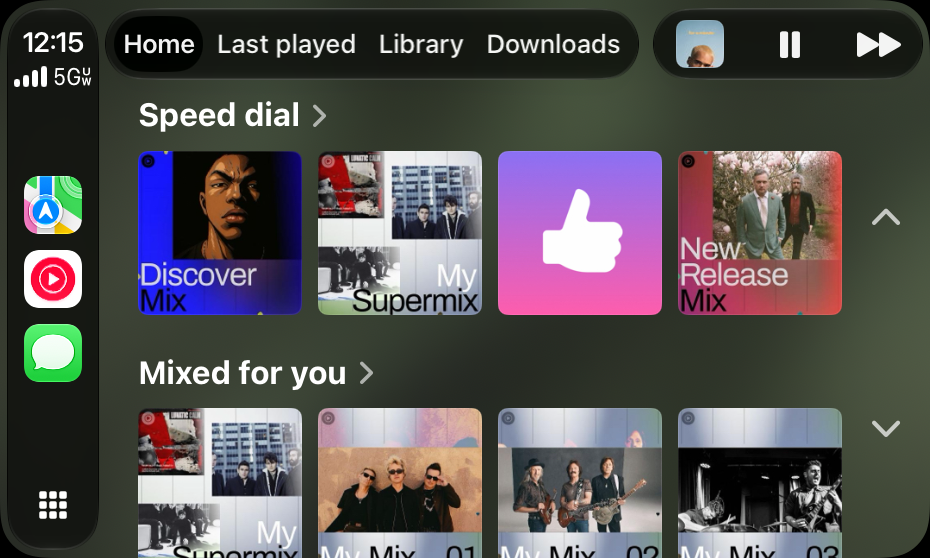
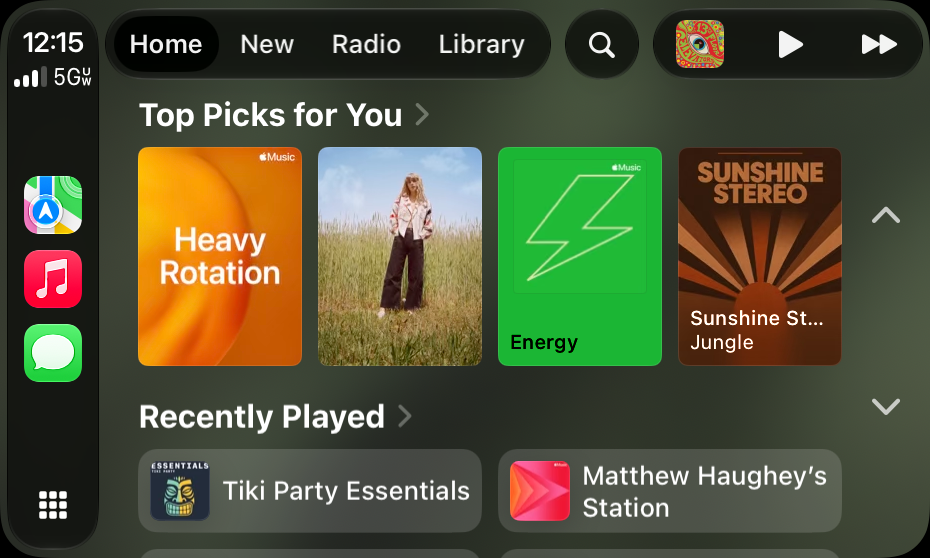
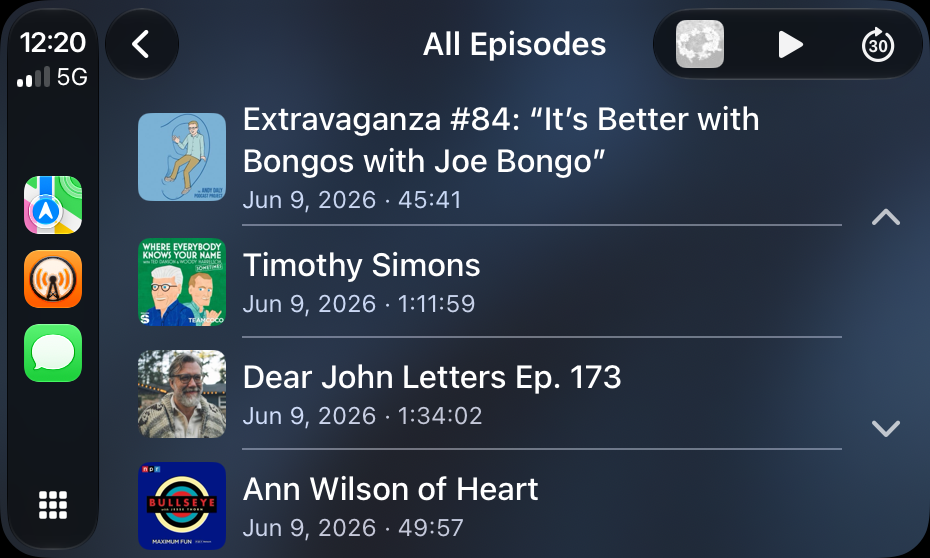
The "Now Playing" button in the top right used to just be a giant play button but now it shows album/cover art, a play/pause control and a fast forward button. It even shows up on podcast players already. You used to have to click through to a dedicated player to adjust the track.
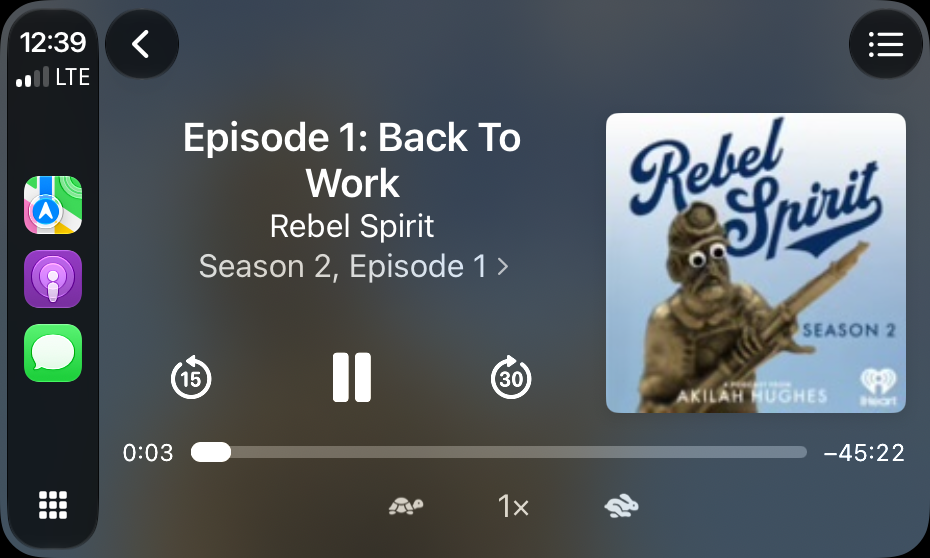
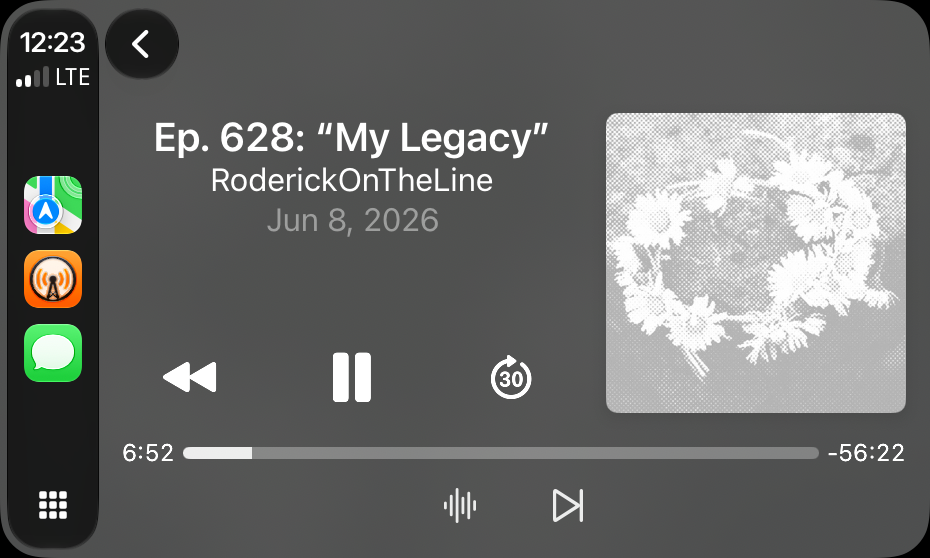
The new playhead you can grab is already supported by Apple Podcasts, but isn't yet in Overcast, so I assume Marco will have to update it.
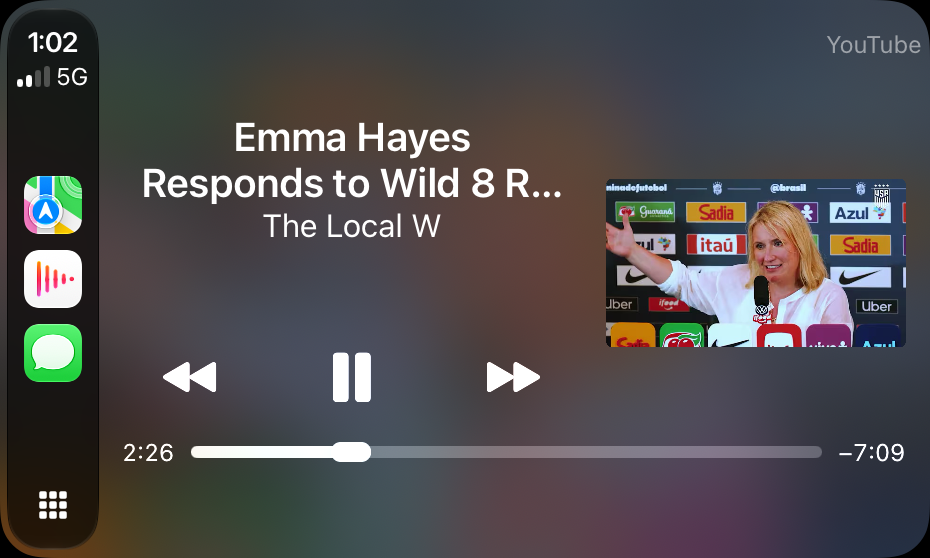
I also noticed that if you play a YouTube video in the YouTube app on your phone, the audio playhead in the Now Playing screen can still be adjusted in CarPlay, which is nice.
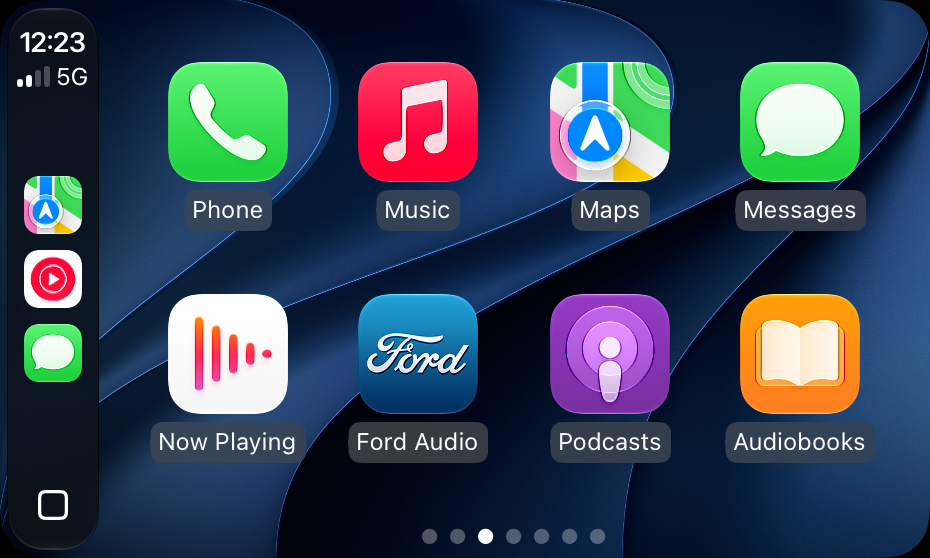
New Wallpapers
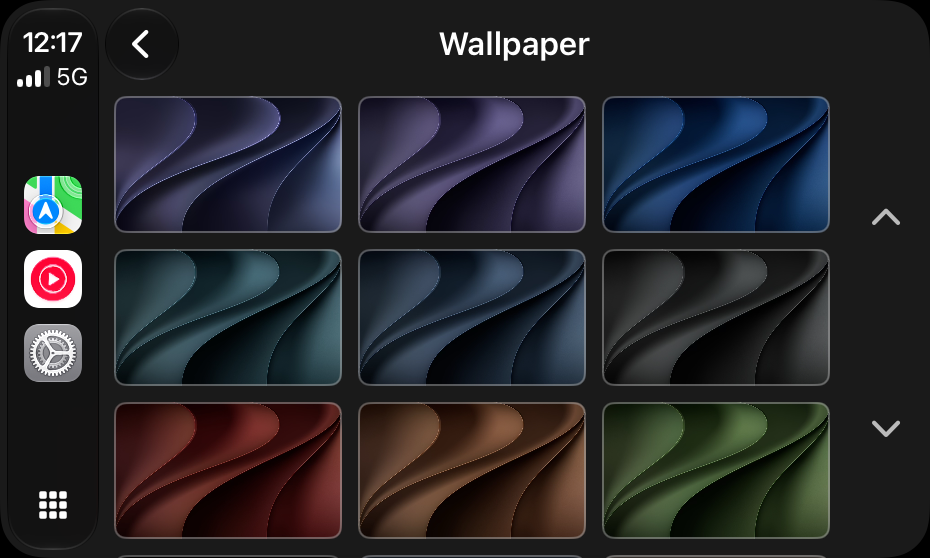
I love to check out the Settings screens to see what new features are popping up but on this first release the only new thing I spotted was this bunch of "wavy" wallpapers that look pretty nice. The rest of the settings appear to have all the same options as before.
Maps
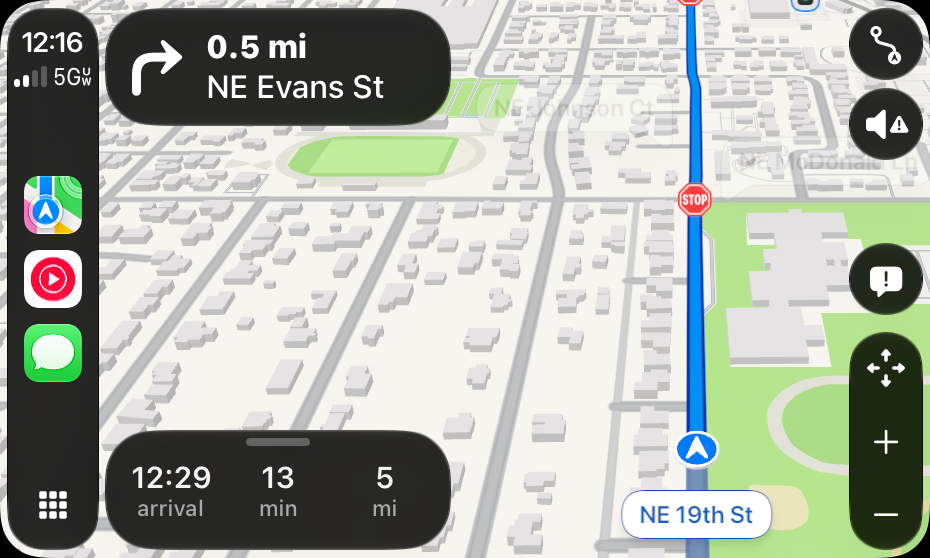
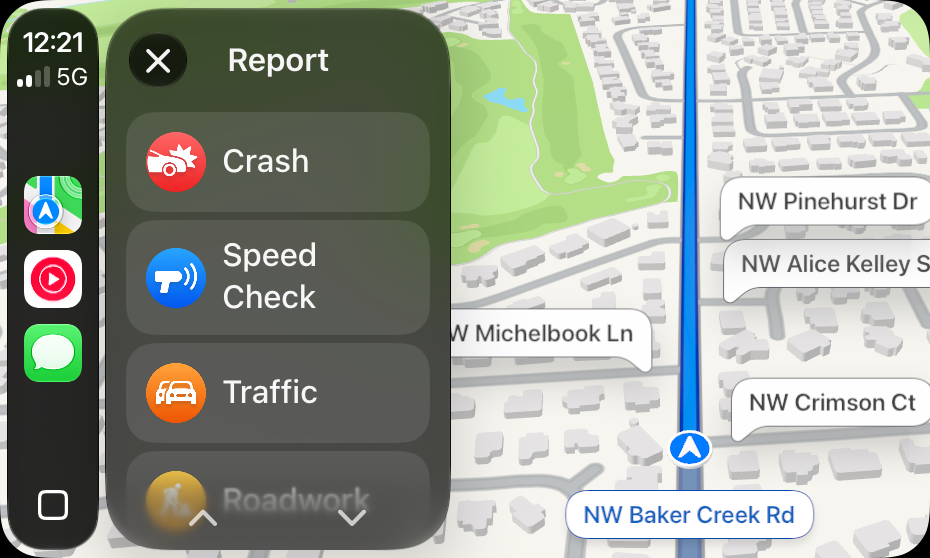
The Apple Maps app looks like it got a bit of polish as buttons look a bit nicer but I haven't noticed any big new features just yet.