Finding a better keyboard setup

From the 1990s into the early 2010s, I always used ergonomic keyboards hooked to a PC or Mac (Microsoft Natural Keyboards were a favorite). But once I started spending most of my time using a MacBook, I got used to using the flat, basic keyboards attached to Macs and when I later moved to desktop Macs, I used Apple's own wireless keyboards for the next decade and a half.
When they added a Touch ID sensor on the Apple Keyboard, I was instantly hooked, and got accustomed to using the sensor to unlock my Mac, buy stuff, and log in to stuff automatically. It really did feel like a magic technology.
But I disliked the flat, sterile, white plastic and gray aluminum keyboards and wanted something that looked cooler, could do more things, and was more comfortable.
It was a journey that took about a year and a half of experimenting but I really have come to love it. I wanted to share my setup.
Plunging into the mechanical abyss
I've always had coworkers who loved a chunky, clacky, old-school keyboard, but I didn't personally try them out until a couple of years ago.
Keyboards can look and work like almost anything you can imagine so you first have to limit your choices to the options you prefer. There are the number of keys and different layouts (both of which correspond to the size of the final keyboard), then you have to pick a height, and then there's the whole world of custom keys and functionality.
I've tried several models from companies like Keychron, ordered custom keys off AliExpress to swap, and tried out different switch types in all of them. I built my own wrist rests out of wood and 3D printing before trying ones that came with keyboards. I went through 4 or 5 different layouts, sizes, and heights before finally settling on one that worked best for me.
I have come to love this setup
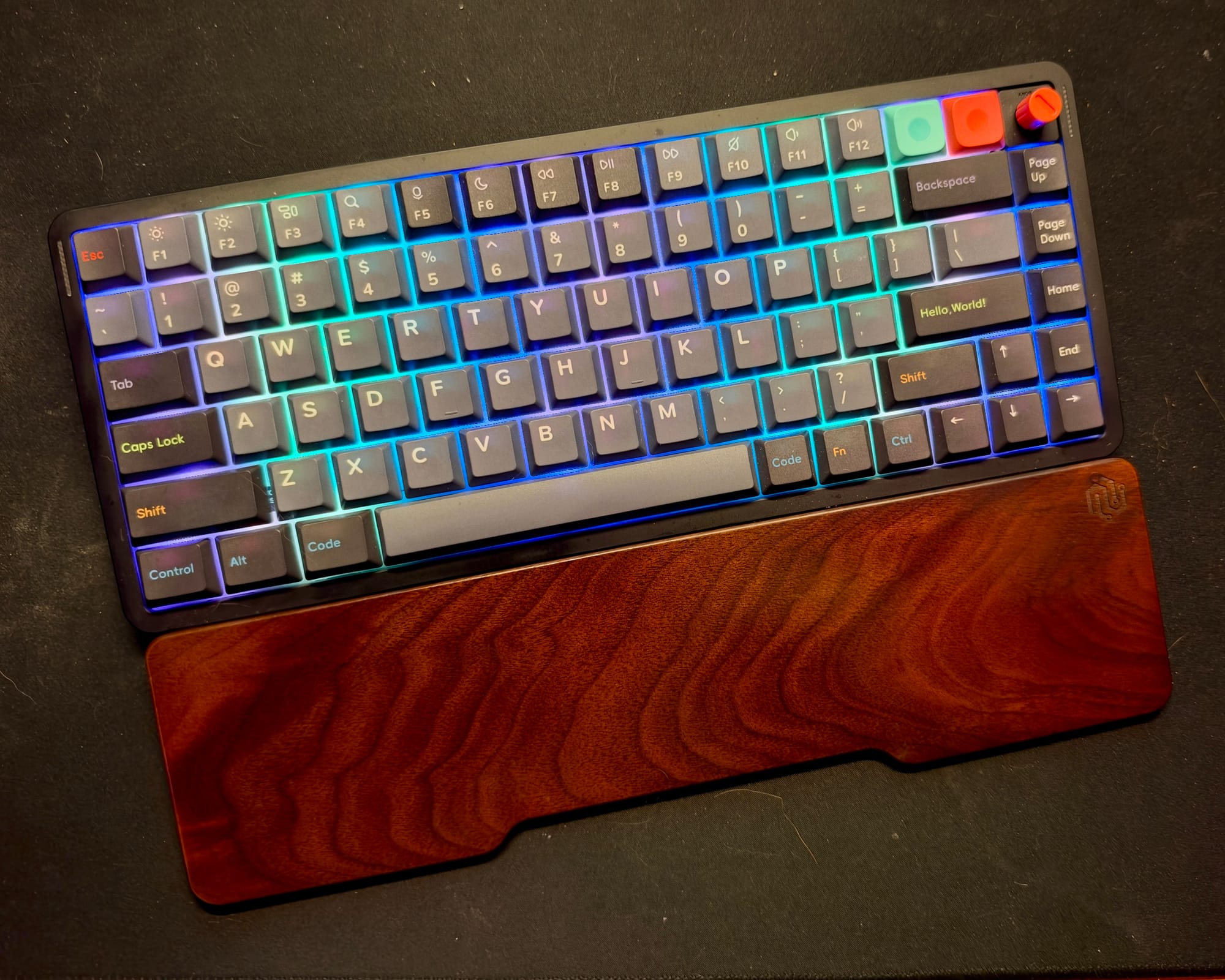
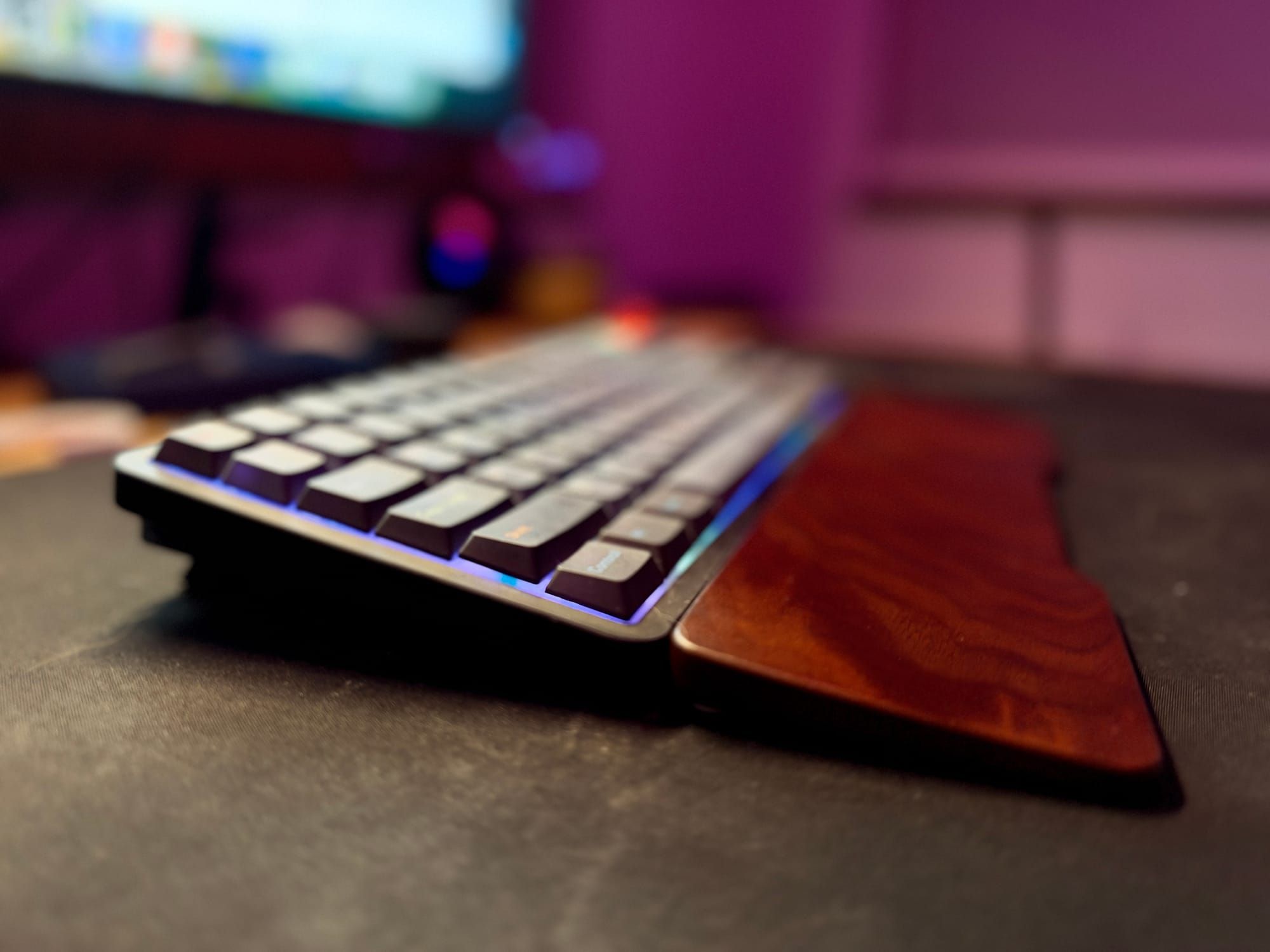
Since the start of this year I've used a NuPhy Air75 V3 in black with brown switches (gives it a medium sound). I use their Oblivion keycap set for its retro look and bought their Walnut wrist rest that fits better than anything I would have built.
It's 75% wide, has low-profile keys, rainbow backlighting, and a metal base that gives it some real heft. The wireless Bluetooth features are incredible in that I only charge it once every six months, when my Apple keyboards usually needed a monthly top-up.
My favorite feature is the spinner control in the upper right, which I have set for volume and it also lets you tap it to mute and un-mute your computer instantly.
What happens when you get rid of the fingerprint sensor?
I thought losing Apple's Touch ID would be a dealbreaker but when I found that I missed it, I came up with something as close as possible to it.
There are products you can buy to become a Mac's thumb sensor (or you can build your own), but I found something a couple years ago that works as well, takes up a smaller footprint than a big sensor, and is cheaper too.
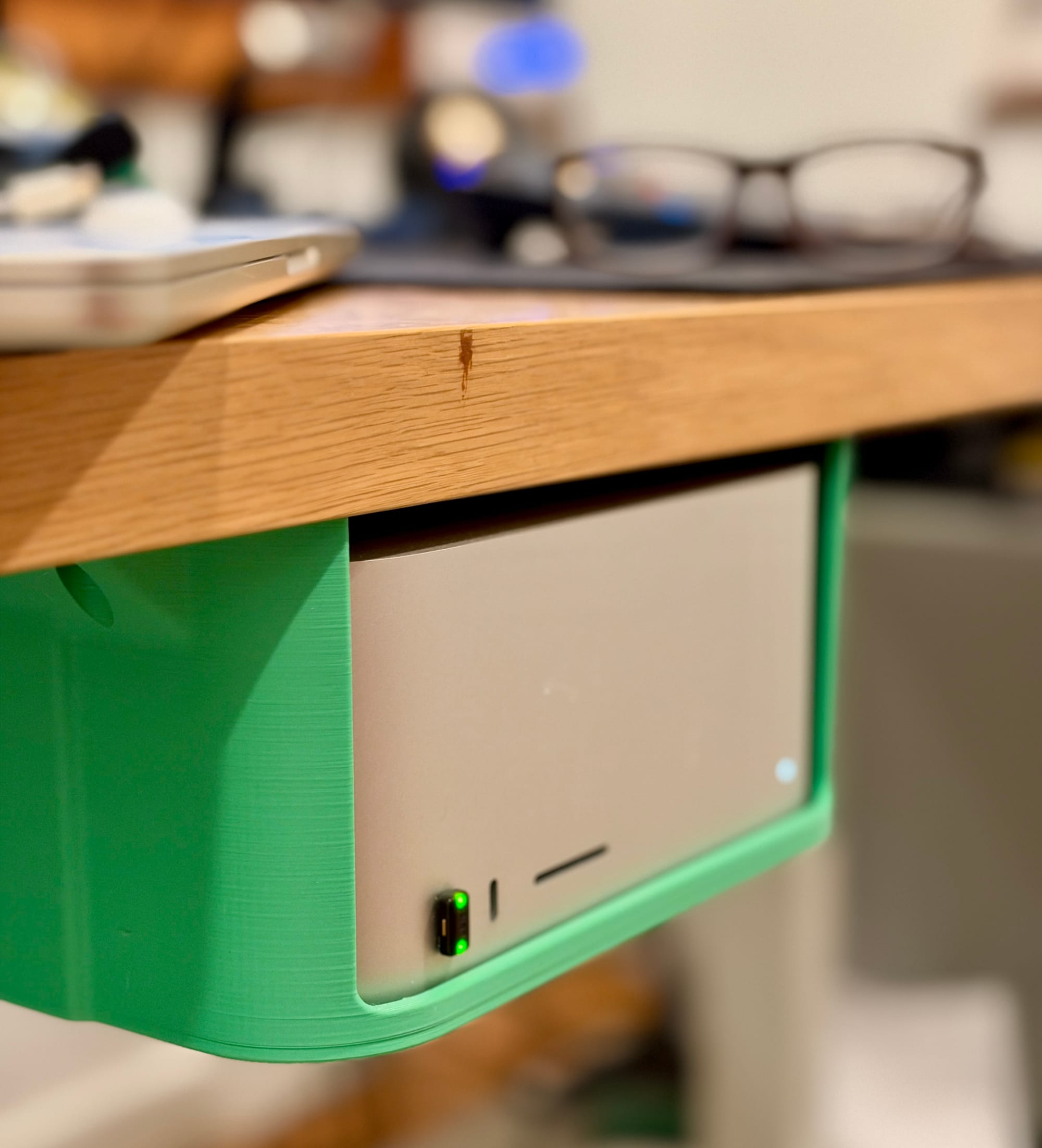
I have a YubiKey 5C Nano that is always plugged into the front of my Mac Studio. I used Yubico’s configuration app to set it up as a "static password" with an append option. This means whenever I touch my finger to the Nano, it auto-types out my Mac's password and hits enter, instantly.
Now, I can wake my Mac by tapping it to login and also use it to do anything that needs administrator access on my machine.
I don't have to charge it or worry about extra cables or how much space it takes up on my desk. It's always plugged in and easy to reach and use. Granted, the tradeoff to convenience is that anyone with physical access to my computer can make it enter my password, but it's in a locked house random people don’t have access to.
Only Apple keyboards support a "touch to pay" feature, so these days I have to tap my phone or watch to complete Apple Pay purchases on my desktop, but the YubiKey Nano can do everything else my old Apple Touch ID sensor used to do for me.
Apple makes good stuff, but sometimes you can find better options
I tend to use Apple's accessories for all my tech as I find most things they produce are simply better than any third-party products. But sometimes you can find something that ultimately works better than Apple's own hardware, does everything you need it to do, and does it with more style.
I love my gently clacky keyboard in just the right size and width, with an instant way to tap to log in, as well as gives me a way to manage my music and sound. My wrists feel better with the thicker keys and 10° raised position and I now appreciate the chunky feel and sound and can't see myself ever going back to an Apple wireless keyboard that feels like a deflated pancake whenever I have to type on someone else’s Mac.
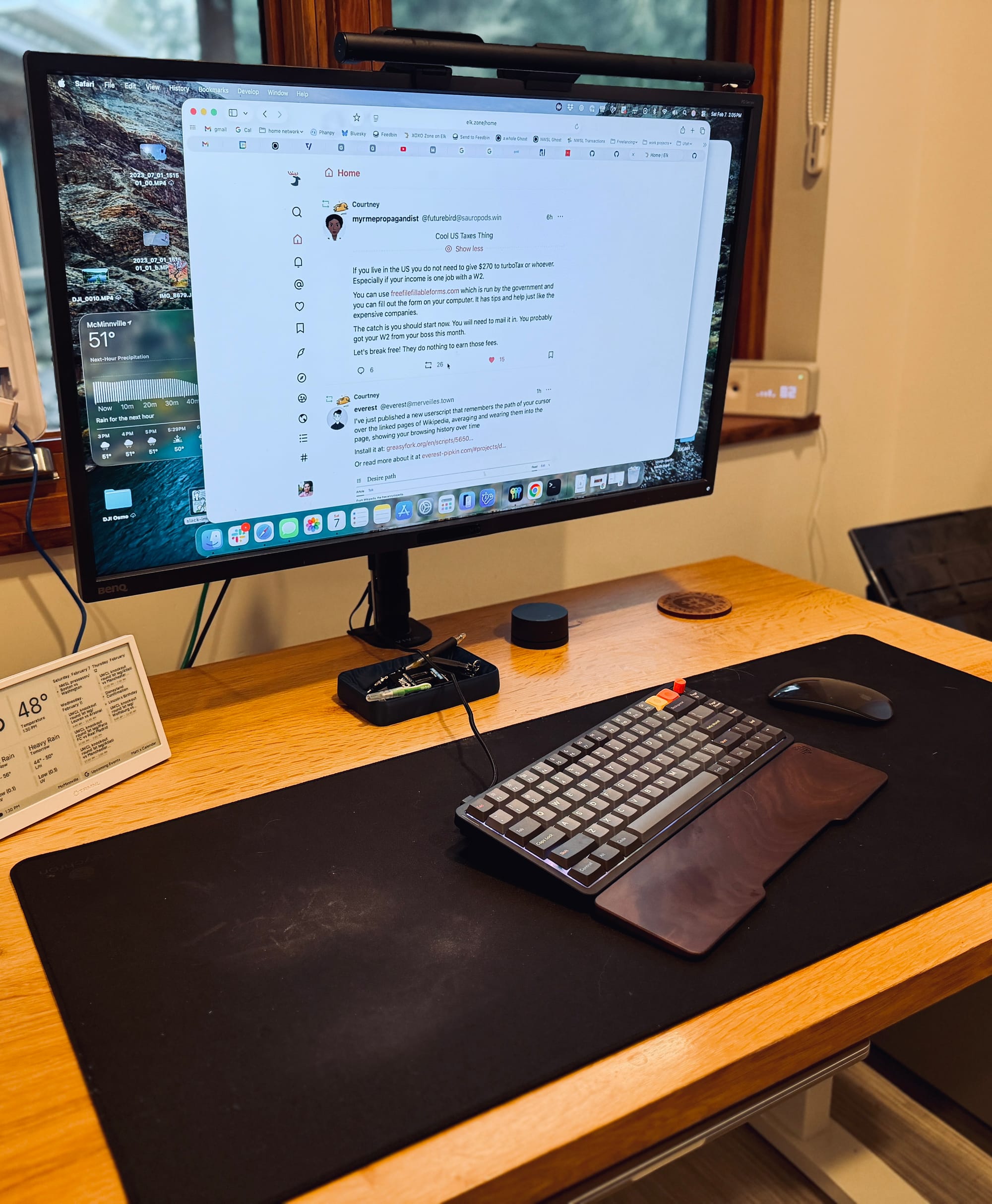
This all started when one day I just really wanted a compact, black, wireless Apple keyboard and found they didn't make one, so I tried out a bunch of different options until I found exactly what worked for my needs.