Tooltrace is kind of amazing

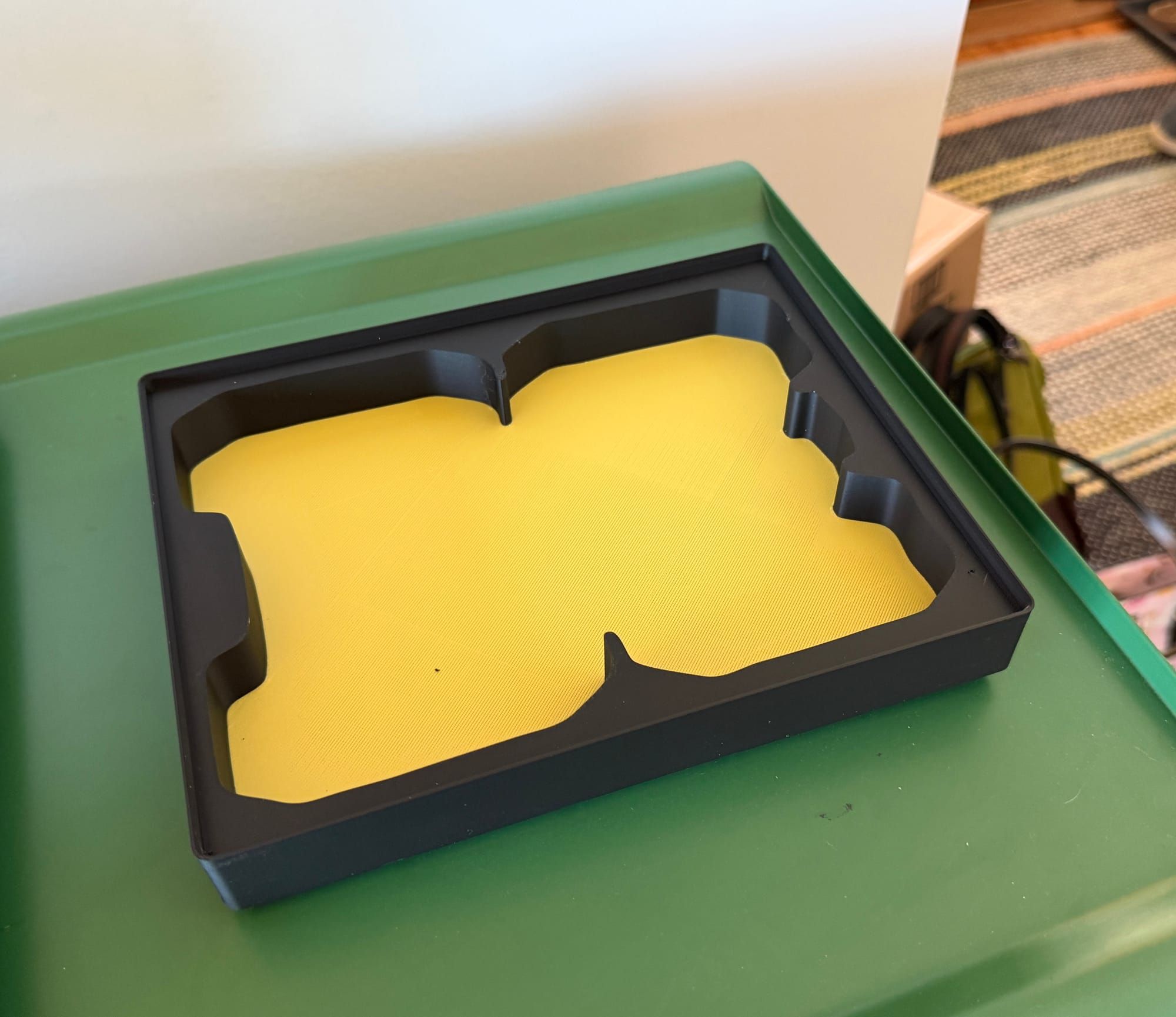
One of the things 3D printing is good at is helping you organize things. You can print all kinds of custom bins and one of the universal systems is called Gridfinity, which is a system of baseplates with a 42mm x 42mm grid that you print, then you print boxes in any shape you need (and they can be stacked on each other too).
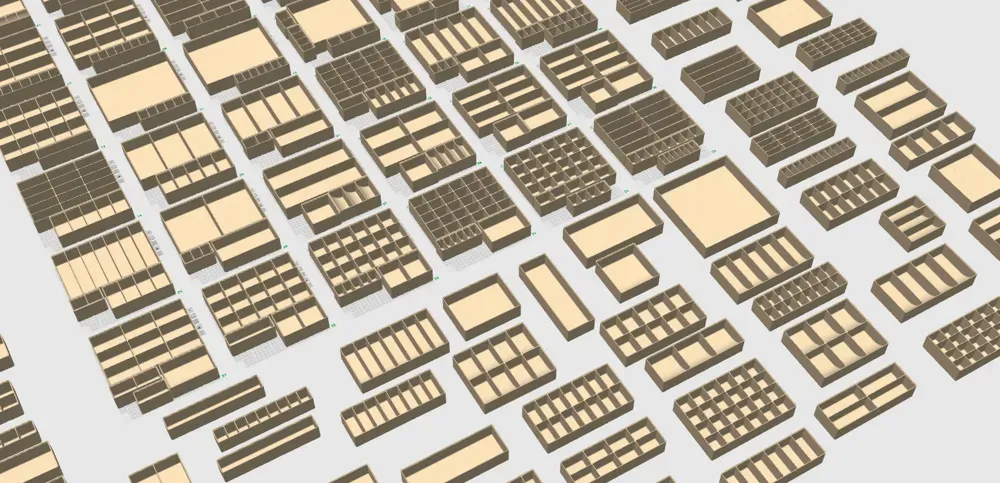
Gridfinity has been around for a few years and if you go on reddit.com/r/gridfinity you'll see loads of visually pleasing, fully organized tool chests, kitchen drawers, and crafting desks.
Who wouldn't want that kind of organized space like those on reddit? So how does one accomplish it?
It's custom tedious work when done by hand
Last year, I saw a video of how The Swedish Maker could take a photo of an oddly-shaped object, then import it into a Fusion360 to carefully trace the object, then export out something they could print to hold it. Other people saw this and ran with it.
But even the most streamlined versions of this process requires spending about 15-20 minutes of work tracing and tweaking each model. It also means you need to be well-versed in 3D CAD software packages like Fusion360 in order to even tackle the job.
Tooltrace enters the chat
Tooltrace.ai is pretty amazing, as it uses your phone's camera along with image tools (perhaps AI, but I bet not really) to figure out the sizes of everything based on a known scale of a piece of US letter paper. Then it uses light/dark object recognition to figure out the edges of your tools and creates usable 3D printer files within seconds. Even for someone that has never touched 3D CAD software.
That's kind of incredible.
 Tooltrace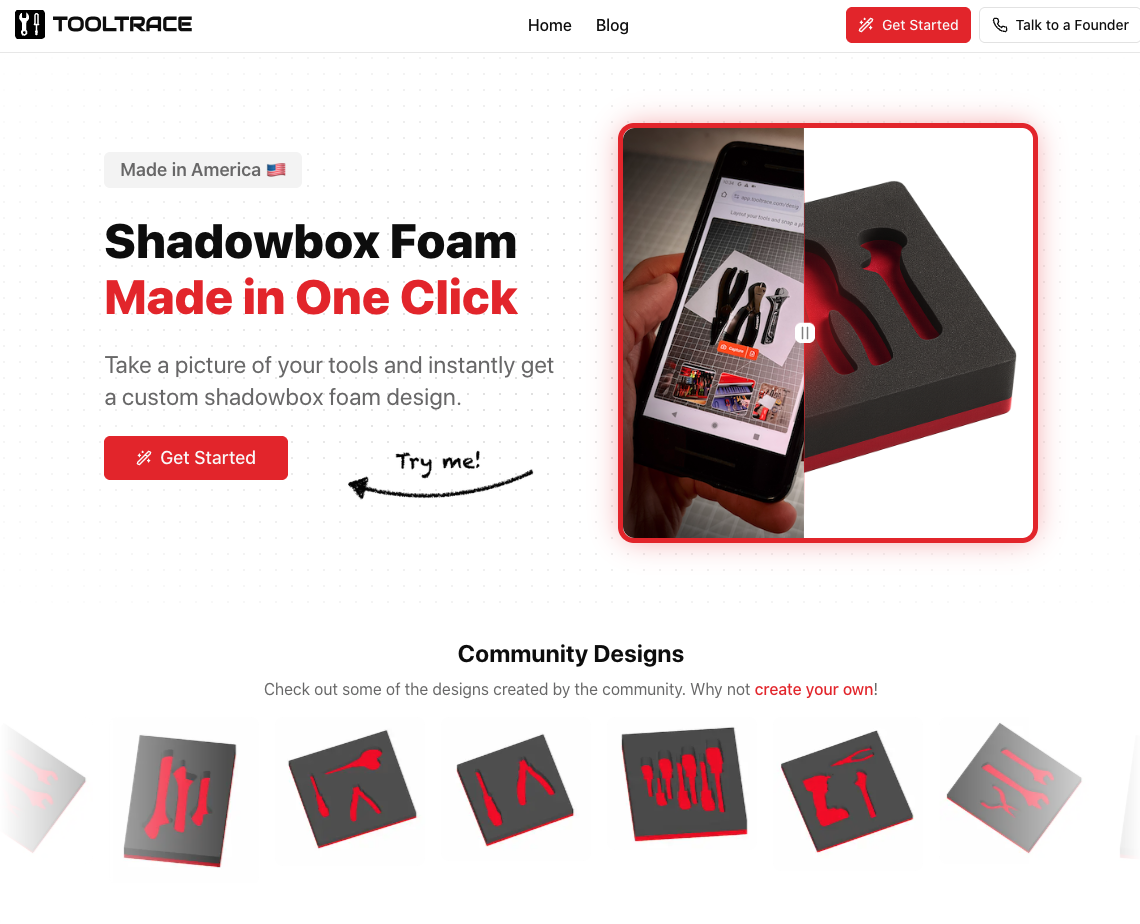
Honestly, it takes longer to take a good photo of a tool on a piece of paper than it does to create your first model. After using the web app for a few days, I love it. It takes all the guesswork out and automates the process to create something you need just for your specific item in seconds.
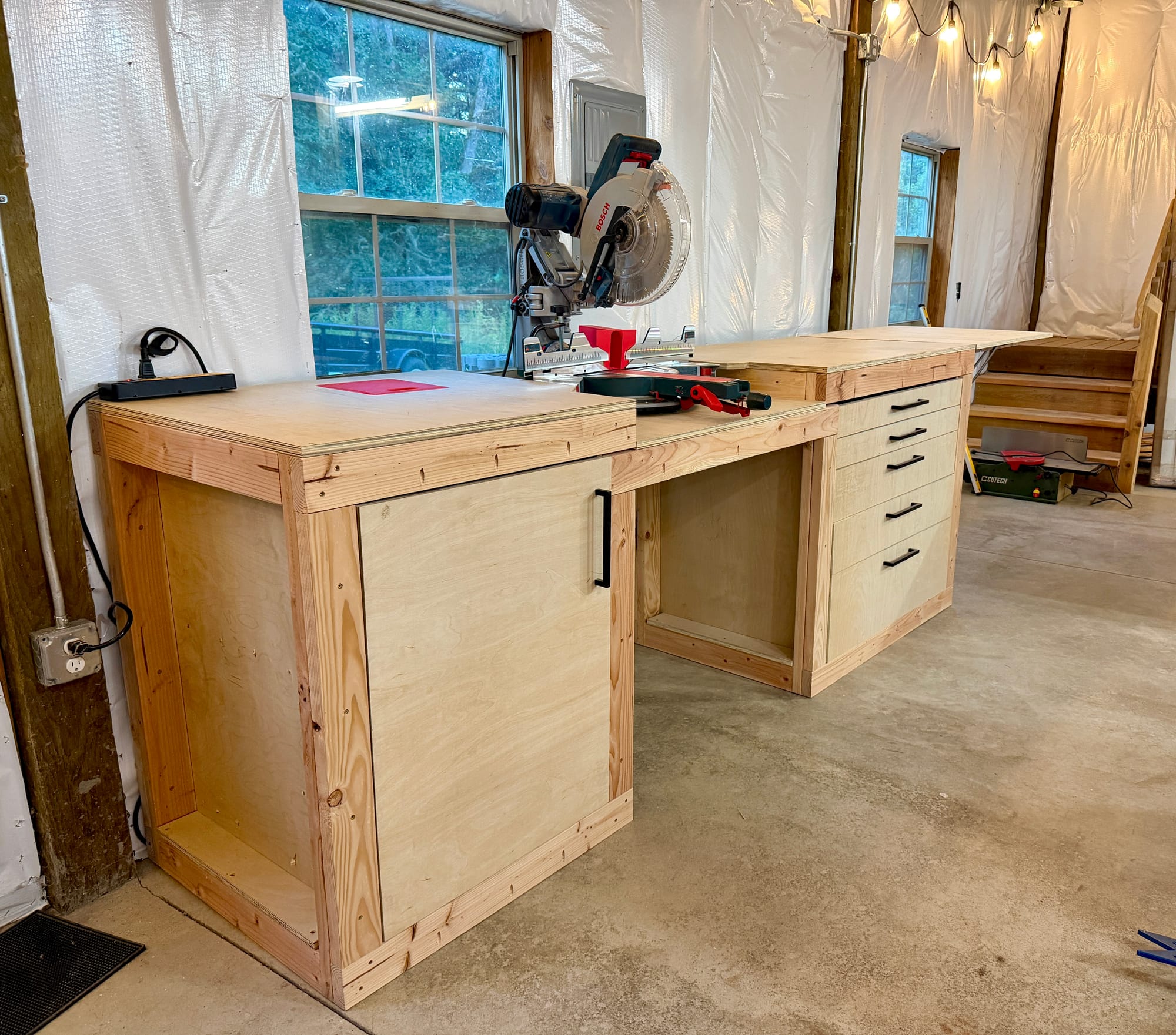
I just finished revamping my workshop, and increased storage was one of my key goals with the build. Once my workbenches were in place, I started printing out gridfinity bases so I could set up my topmost drawer with the objects I use constantly as I work.
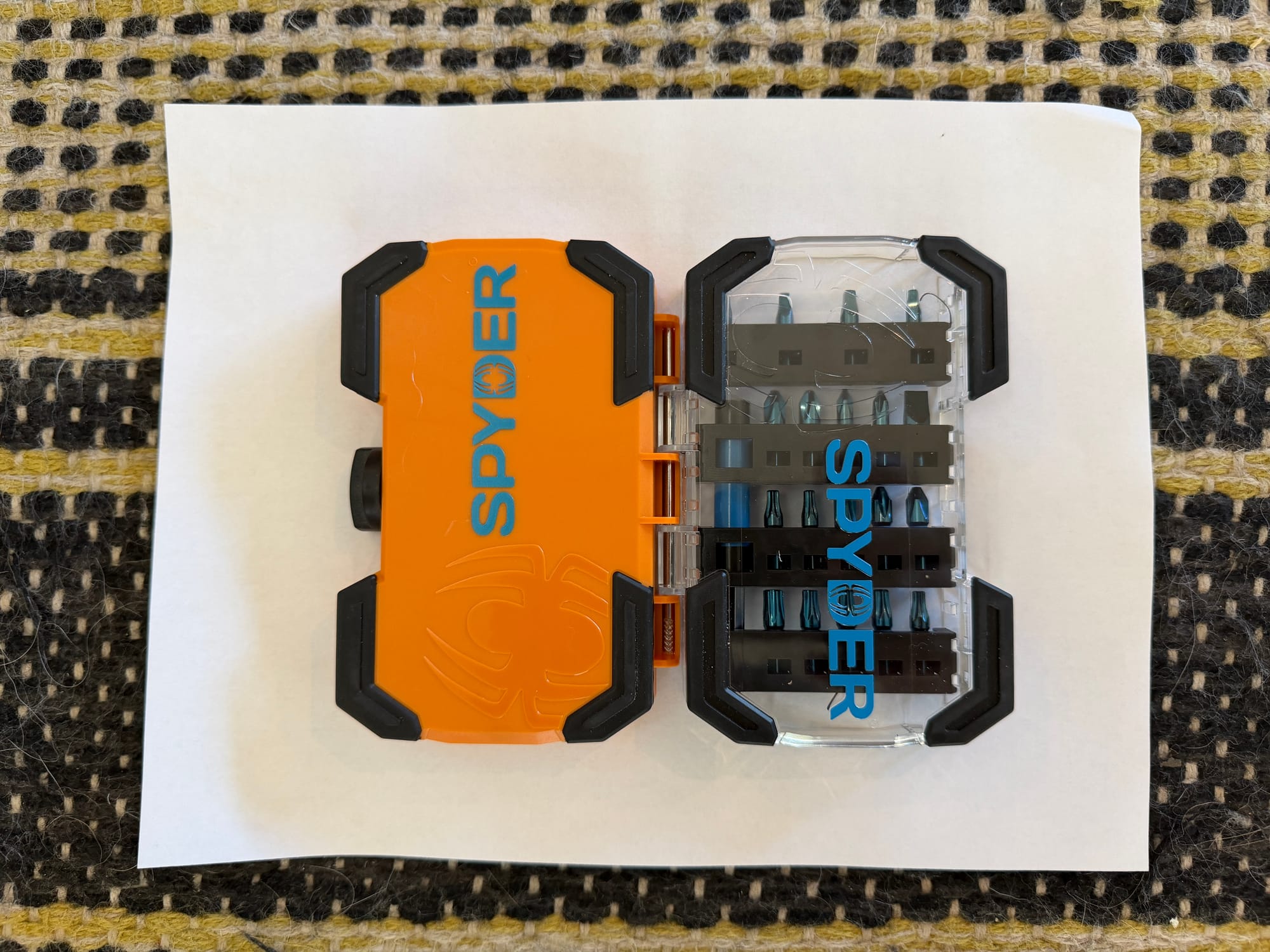
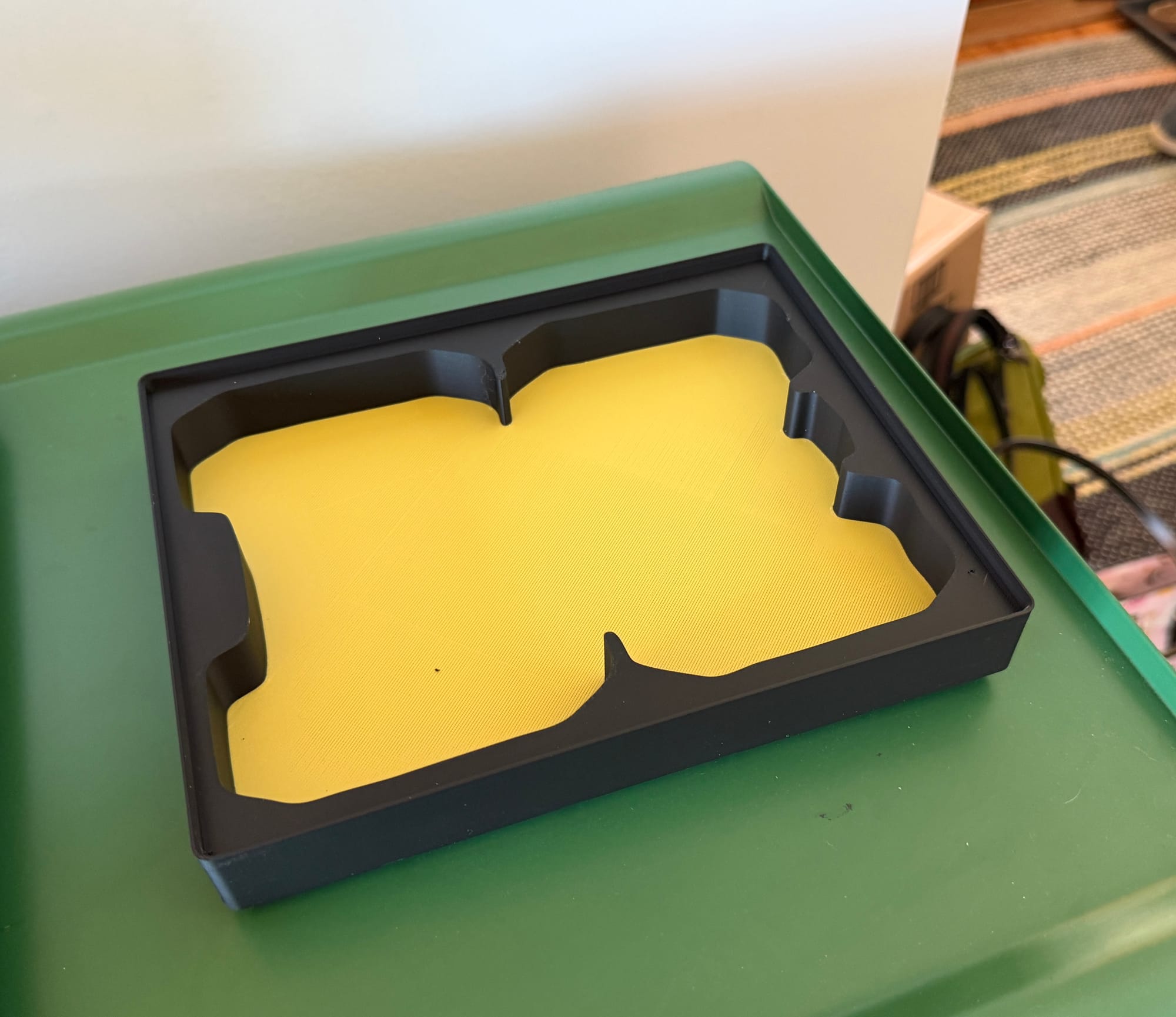
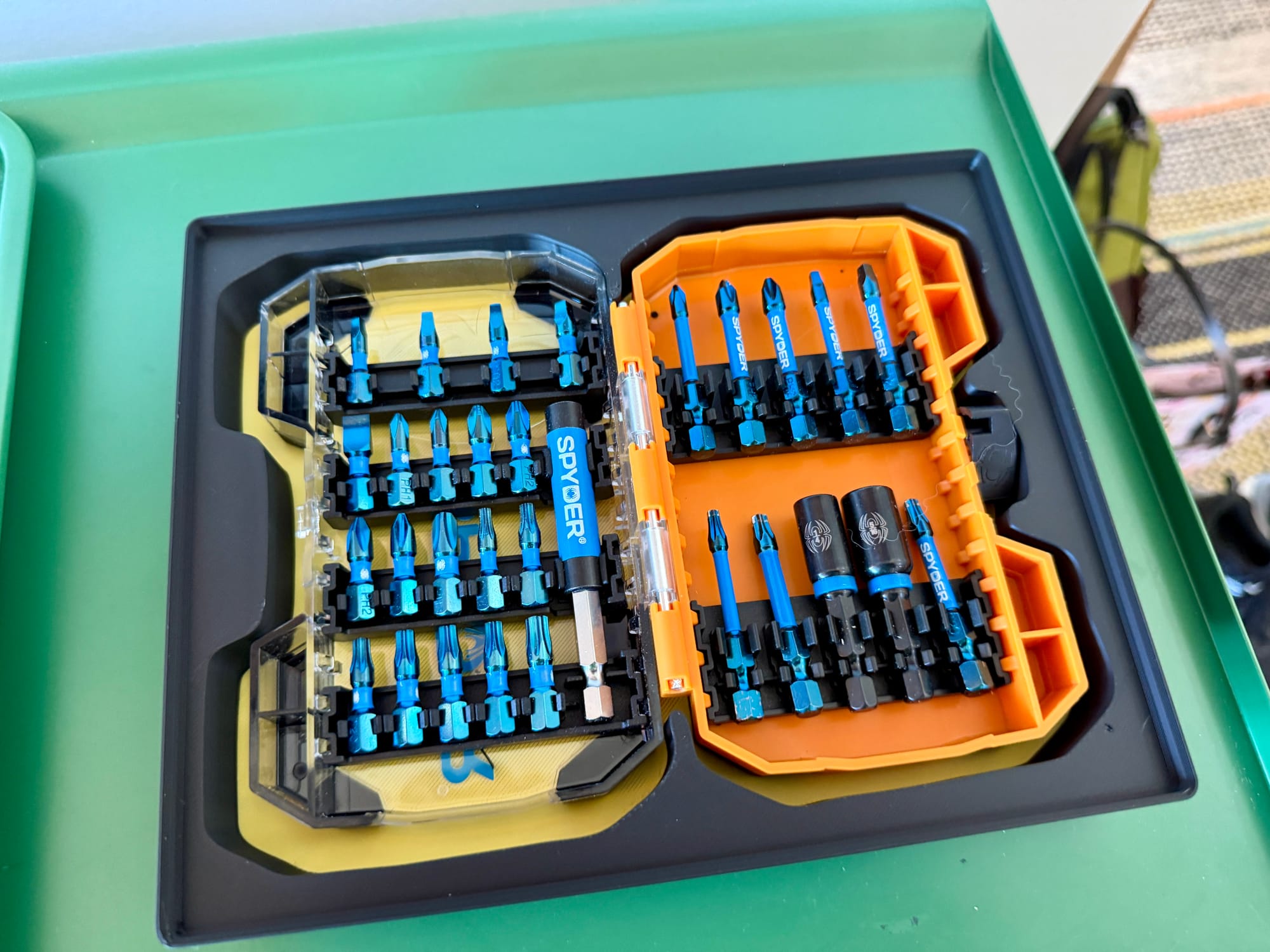
Tools come in all sorts of weird sizes and shapes so I decided to give Tooltrace an ambitious first try. I have an impact bit set I use with my drill for all sorts of things, many times a day. So I took a photo against a piece of letter-sized paper on my entryway carpet, uploaded it to Tooltrace, then printed the model it produced.
It took a long time to print but what came out fit really well, with big enough gaps that it's easy to lift it out if I need (usually I just grab one bit, use it, and put it back in place).
So I continued, printing more bins for things I use daily. I’m about halfway done organizing my top drawer of my workbench and here’s what it looks like so far.
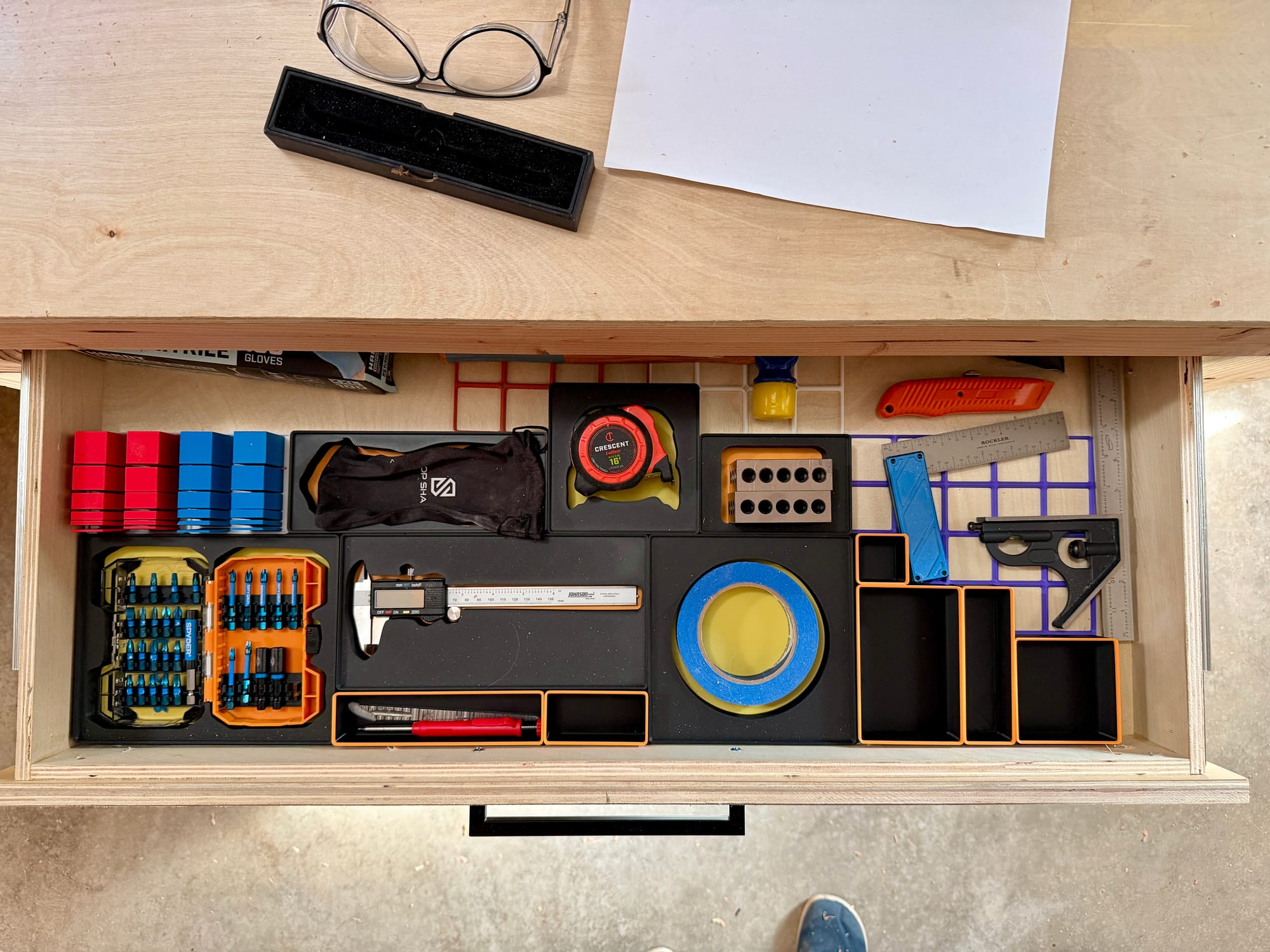
I'm really stoked with how this is turning out. I've been working in my shop for a few days with this and it's much easier to always have things in the exact place they need to be. Before, I would try to remember where I left something and now I always know where to get the tape measure in the tape measure spot.
Lessons learned
This was my first time trying to make a drawer hyper-organized and I have learned some things that I'd like to pass along to anyone else who wants to give this a try.
Prints take a good long while
I suspect these Tooltrace prints aren't efficient on the use of filaments, but each small box takes at least 3-4 hours and larger ones go up to 8 hours per print. It requires you to really think about the models before you print them, which is probably a good thing in the long run. You gotta make them count.
The paid version is actually better
Tooltrace advertises itself as a free tool, but has an optional $8/mo membership. That's oddly expensive for what it is if you kept a membership long-term, but for the short term it's a pretty good idea, so I opted to pay for one month after testing out the free version on a few objects.
Turns out, uploaded photos rendered much closer to reality and my prints fit better when I got onto their paid plan. Now I just need to set a reminder to turn it off when I'm done organizing the drawers.
Don’t forget to add finger holes to pick things up
After you get a generated model in Tooltrace, it lets you add objects to it and I would suggest if you have something long and straight to store inside a box, add two small "thumb holes" in the form of rounded/ovalized cut outs on each side of your item. This gives you space to lift it out of the box and only takes a few seconds to add to your generated print.
It works best for small things
This is pretty obvious, but most 3D printers max out around 10 inches wide/deep/tall so making a storage spot for a hammer isn't exactly easy (Tooltrace does offer to split prints into multiple prints you can glue together later). But remember that larger objects are probably not the best use of gridfinity space.
Don't make one thing for each thing, save space by fitting many small things together
Remember you can group 2-3 things on a single piece of paper to get one model print that fits them all in a tighter space. Printing a separate container for everything can be really wasteful. A boxcutter knife in its own box next to a pencil in its own box takes up too much space, so put your pencil next to your boxcutter and you'll find they probably fit perfectly together in half the space.
Having things you use constantly in the right place is transformative
I've tried to organize my tool chests in the past, and they always start out well intentioned, but as I'm working on a project, I will often leave a screwdriver on a table or my pencil on a shelf. That means I'm constantly looking for things I need that should be at my fingertips.
Setting up a spot where something will always be has made working in a shop much easier and faster to boot.
Tooltrace is really niche, but it's a great bit of software and I would urge anyone with a 3D printer to give it a whirl for your own workspace.