Pro-level travel tips

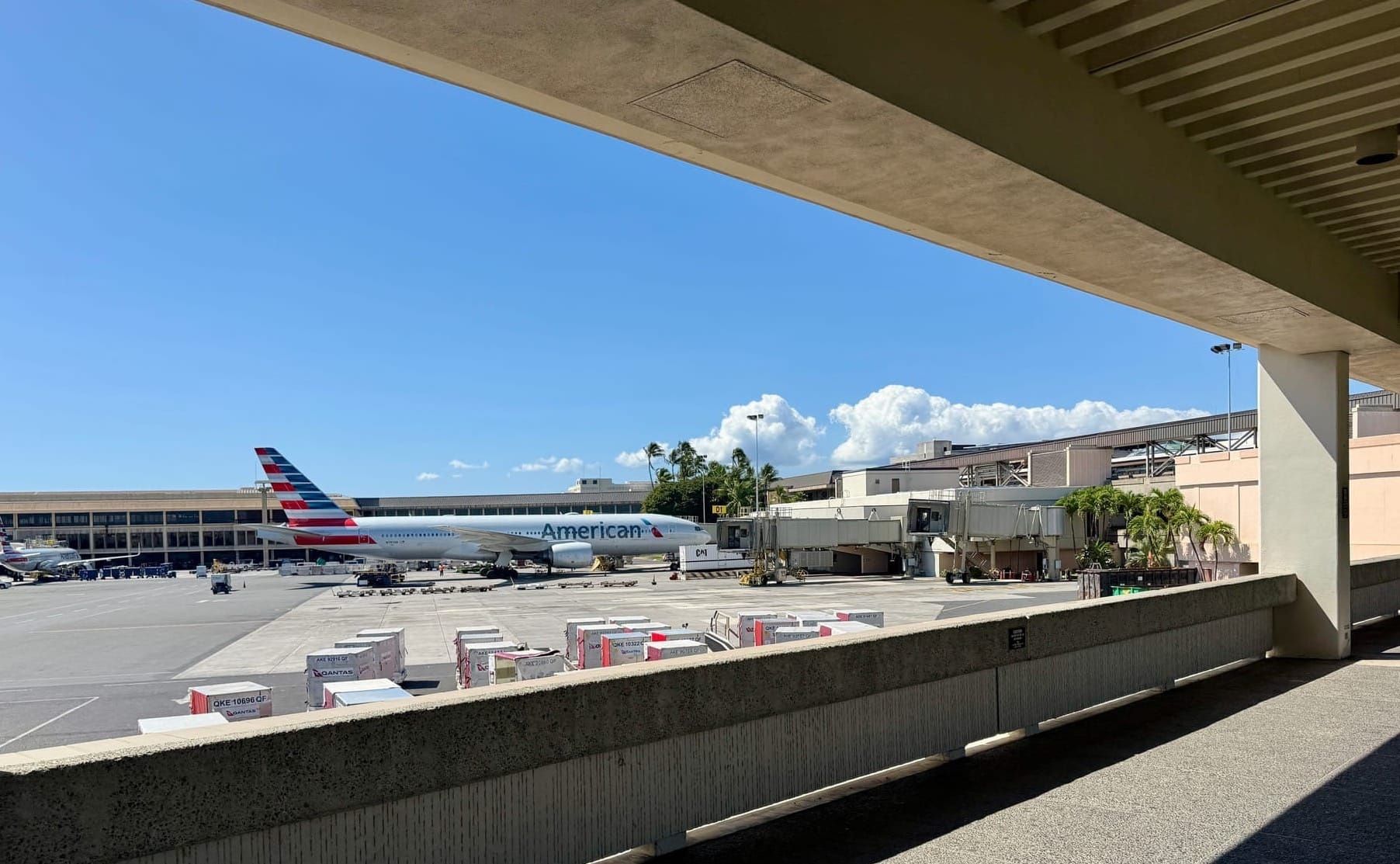
I love traveling to new places and getting to enjoy new experiences. And as much as I love travel, it can be chaotic.
A friend once said that if you’ve ever tried to meditate and failed to quiet your jumbled mind, you should take a trip instead.
Because when you travel, your entire world distills down to finishing a single task to keep yourself safe and alive, letting everything else fall away (just like meditation!).
First, you have to find your plane. Then you have to find your luggage. Next, you have to find your hotel. Then—surprise!—you need to find dinner at 9pm in a city you’ve never set foot in. Good luck!
So here's a bunch of tips I use to keep the chaos at bay, to feel more at home when I'm traveling, and bring some semblance of control back into my time in new places.
Have a dedicated electronics travel bag
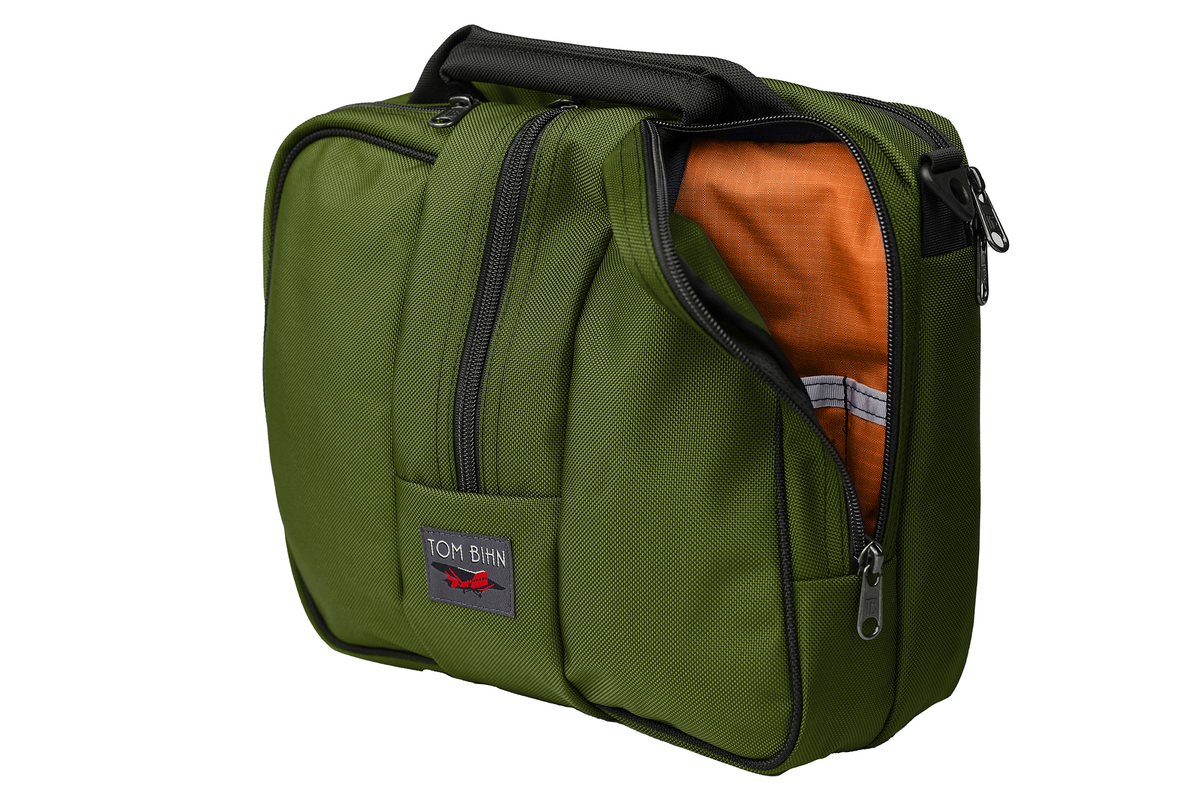
I put this off for years and it wasn't until last summer when I finally bought a dedicated bag to hold all my electronics that is ONLY used for travel. I've stuck to my promise to never touch anything inside my bag when I'm at home, so it's always fully stocked and ready for a trip. This has been such a game changer.
Here's what's always in the bag:
- A wall charger with 4 high-speed usb-c charge ports
- Two usb-c to usb-c cables
- A couple usb-a to usb-c cables because you never know what a rental car or hotel room might have for extra charge ports
- A usb-c to lightning cable for my headphones
- A usb-c to Apple Watch charger in a 3D printed case to keep things tidy
For each trip I add these things from home:
- A Bivo water bottle that fits in the bottle slot in the bag
- My iPad Pro with Magic keyboard (I only bring a laptop when I must for work, otherwise this is enough)
- AirPod Max headphones for noise canceling on the plane, AirPods 4 headphones for walking around
I also recently added two new things to the permanently-in-the-bag pile.
Take an old AppleTV and HDMI cord with you
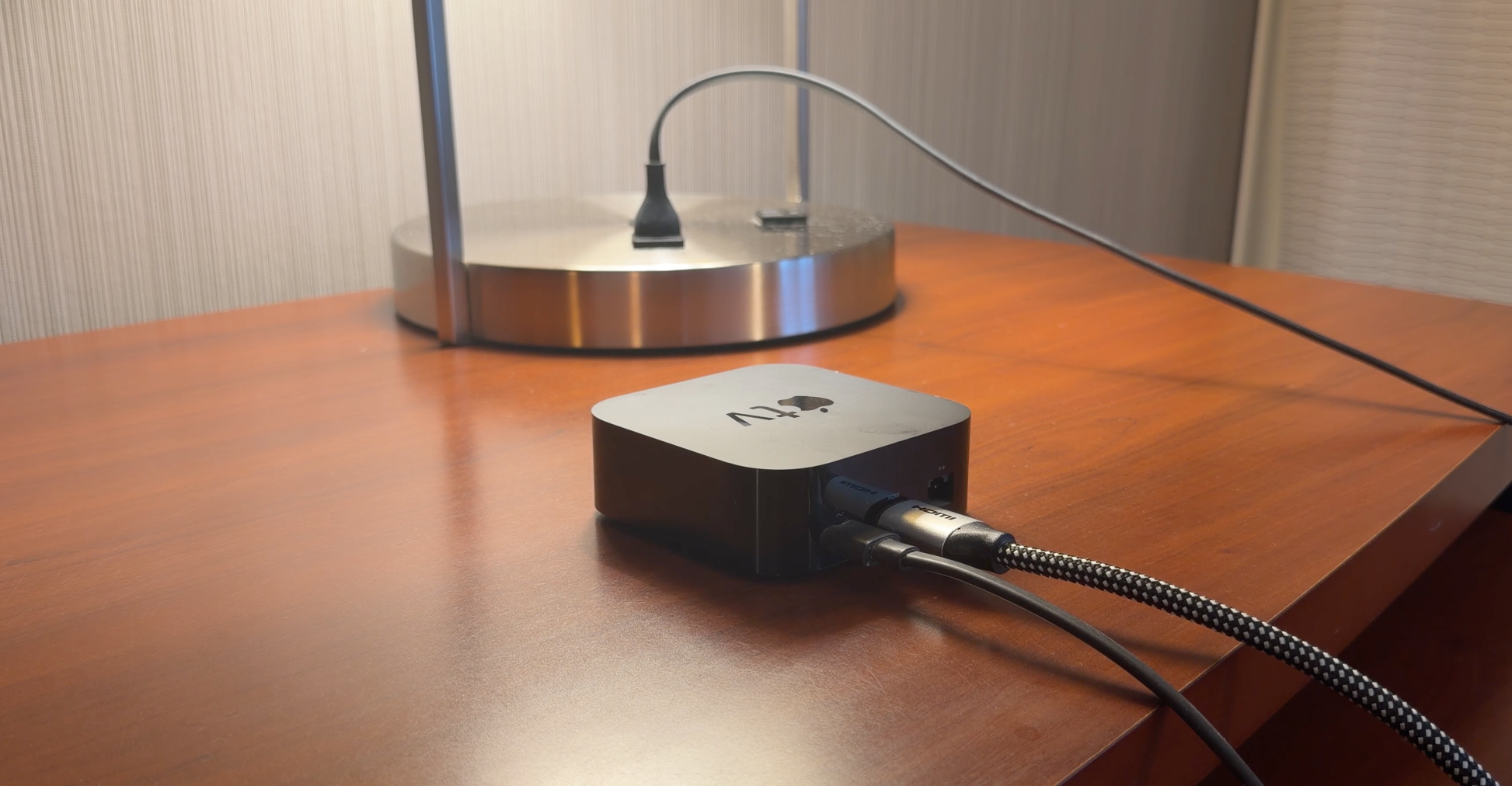
The AppleTV is my absolute favorite set-top box and I have two of them at home. I tend to upgrade them whenever a new version comes out, so I have a few older AppleTVs laying around and I recently started bringing one with a power cord and a short HDMI cable with me on trips.
Every hotel I stay in has a modern flat screen TV but it's rare for them to support any screencasting technology (maybe 1 in 10 hotels have this feature in my experience?). But every hotel TV has a HDMI port and I've yet to have any issues plugging in my own AppleTV while using my phone as the remote for controlling it.
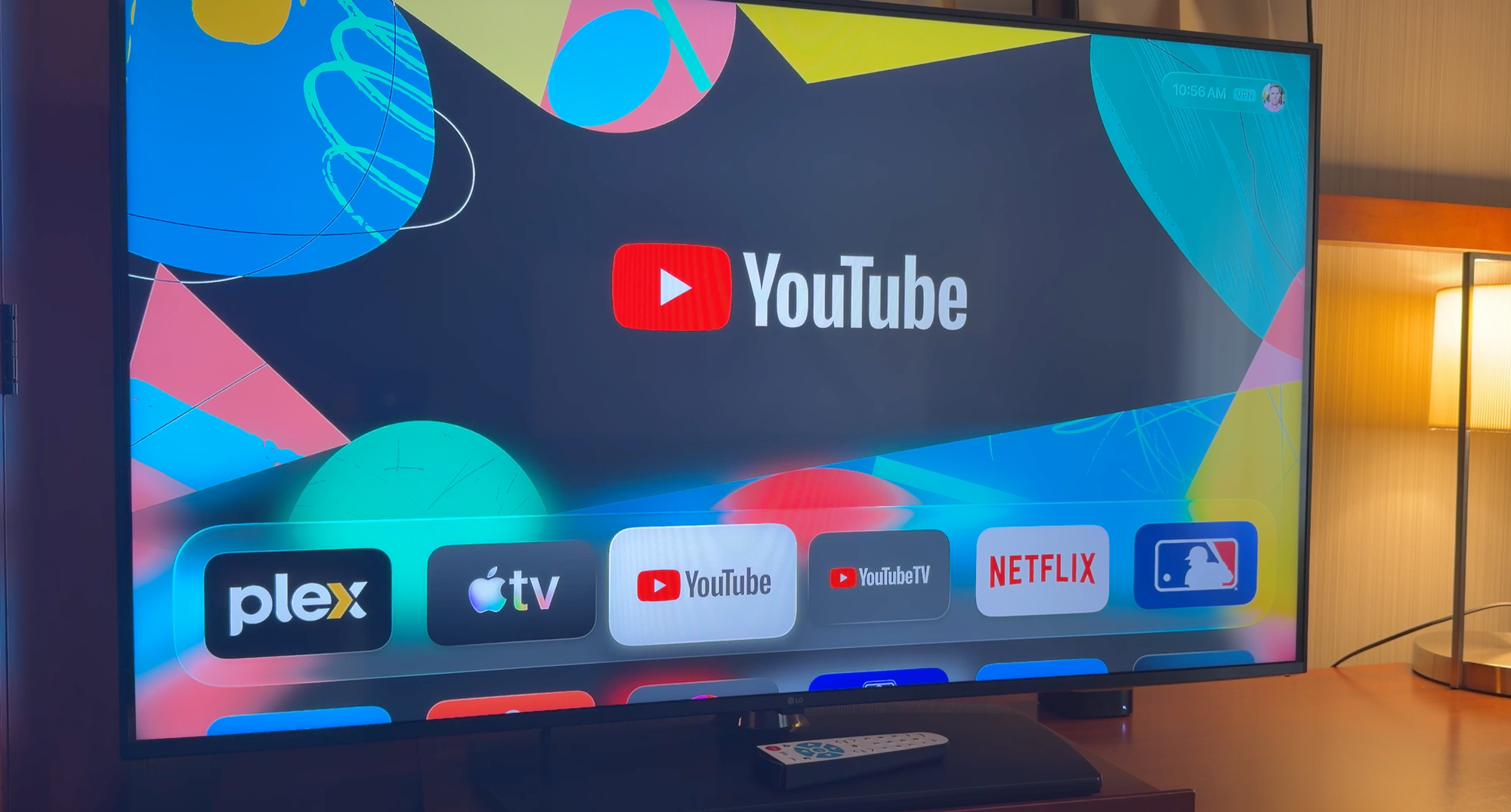
If you use profiles on your AppleTV, you can even make your travel AppleTV mirror exactly the same apps you have at home. This means after a long day, you'll get a little slice of home wherever you are, and you can keep up with shows before you drift off to sleep.
But how do you connect it to the hotel's wifi?
Use a travel router
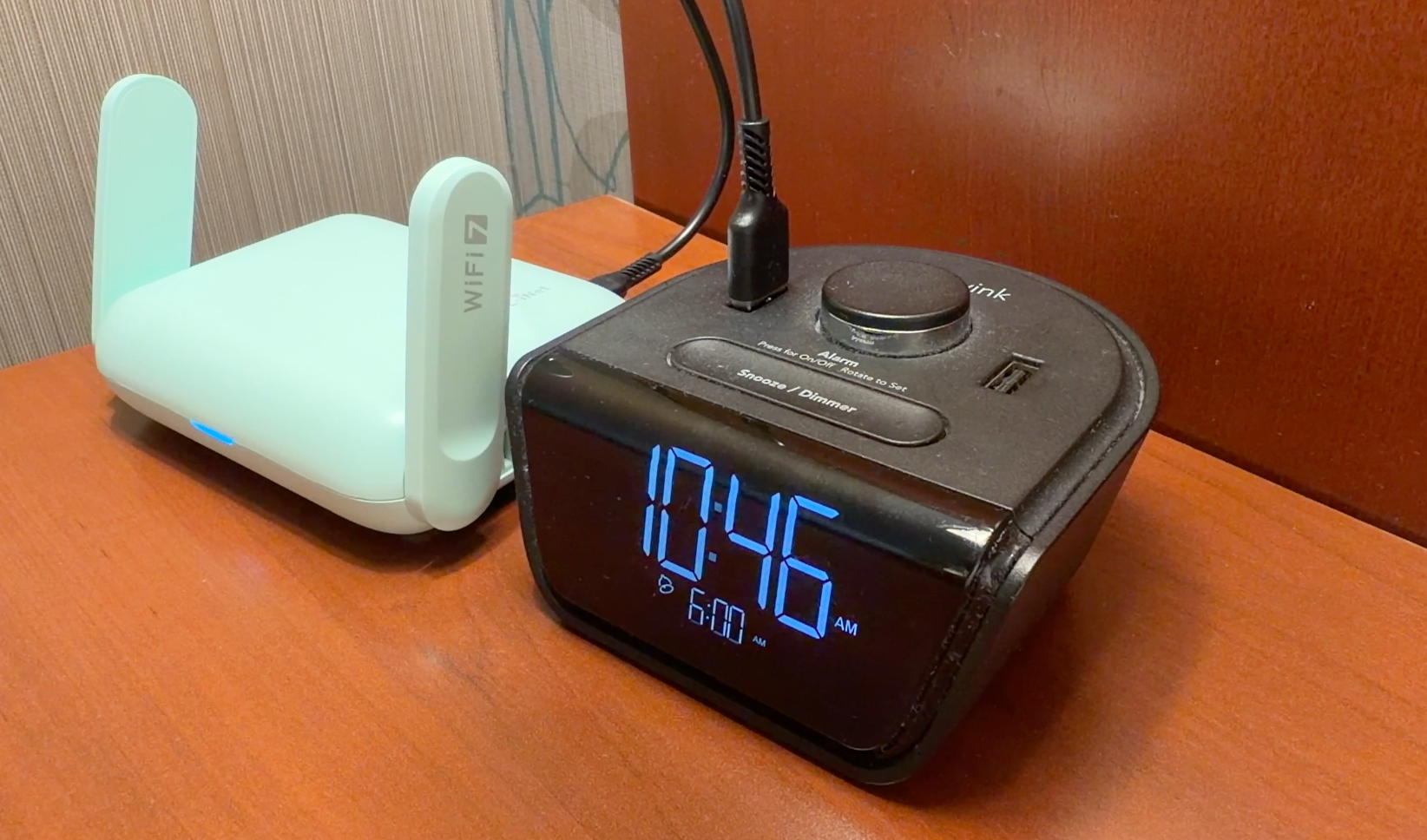
I've heard about the benefits of a travel router for years but it wasn't until last month that I finally picked up a Beryl 7 travel router and after a couple trips, I wish I bought it sooner.
First, they're great for sharing a connection with all your devices, which means gadgets like an AppleTV or Apple Watch that can't connect to a hotel's WiFi now get can get online. It also means you can buy WiFi on a plane for $8 and share it with everyone in your party if you want.
A travel router has a couple ethernet ports but also a couple wifi points inside it. It's got flexibility so it can take any outside internet connection and funnel it into its own WiFi point that all your devices connect to normally with a simple password.
Here's how it works:
- Plug it into usb-c power and give it a few seconds to boot up
- Connect to the router's WiFi and pull up its own internal website (the default is at http://192.168.8.1)
- Use the website's wizard to log into whatever system you're trying to connect to, including hotels, planes, trains, or cruise ship wifi
- Once you're logged in, anything connecting to your travel router shares a single outside connection
You can do more things with a travel router like share files and tunnel all your connections through a VPN but at its core, getting to share one connection with all your devices is really handy.
Install Tailscale at home and setup an exit node
I've said it many times before but Tailscale is the glue that holds my tech stack together, and you can level up your travel experience by installing it at home onto an always-on device like a desktop Mac, Raspberry Pi, or an AppleTV (in my case it's on a Synology NAS server).
Next, set up an Exit Node so you can pipe all your traffic through your house connection, no matter where you are.
I bring this up because whenever I travel, I like to unwind before bed by watching an hour or so of TV and movies.
But I remember one trip to Vancouver where I popped open my laptop to finish a show I was watching at home, and instead I got an error that I couldn't view it because it’s wasn't available on Canadian Netflix.
The worst experience was when I was flying into SFO and I spent most of the flight watching a Golden State Warriors game using my $17/mo NBA League Pass, but we landed with ten minutes left in the game. I pulled it up on my phone once I got into the terminal but all I saw was a blackout screen blocking playback and I missed the end of the game I'd watched for the past 90 minutes.
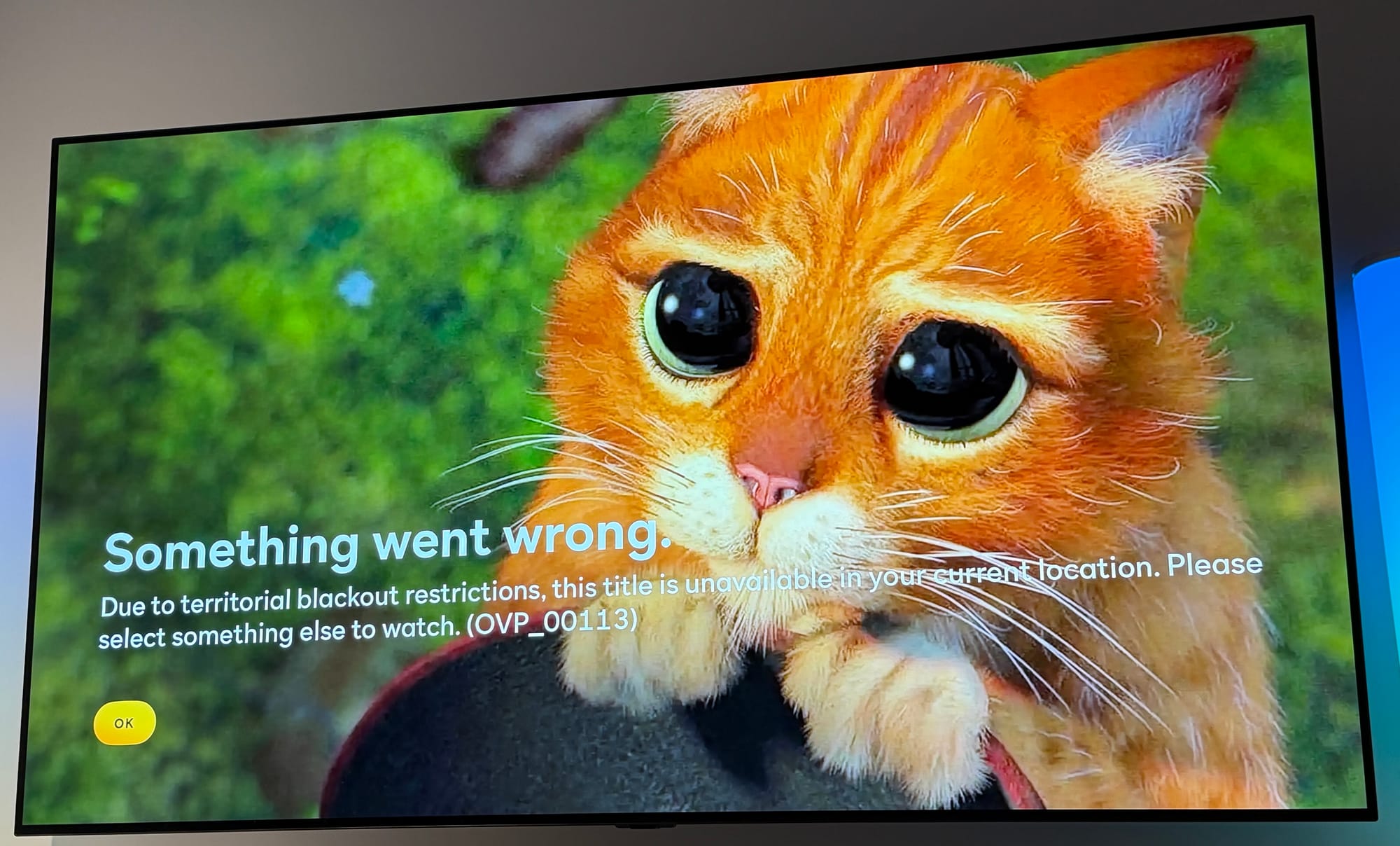
I get that companies have complex broadcast rules governed by your geo-location but I pay streaming services hundreds of dollars a year to use them and last week when I got a cutesy error on the Peacock app while trying to watch a baseball game, I felt like I, as a customer, was being treated like a child. It's patronizing and annoying as hell.
The good news is that if you use an app like Tailscale, you can avoid this when you travel, because you’ll be able to do everything you can at home, as you'll actually be sharing your home's IP address when you connect your phone or AppleTV to your Exit Node. Everything you use will be exactly as if you were at home, no matter where you are on earth.
Bonus tip: If you run a network-level adblocker at home like Pi-hole or Adguard, you can set Tailscale to use that as your DNS server. So that means the setup I have to keep ads off for anyone using my home network works outside of my house too, since my phone is always connected to Tailscale.
Now, when I read the New York Times (that I also pay for!) on my phone while I'm out and about, all the movie ads and junk in the middle of articles is gone, just like when I'm on home WiFi.
The old internet classic: use the pants hanger hack to sleep in
I don't remember where I first heard about this but it was probably around 2008 or so. You've probably have seen this tip, but if it's new to you, you're in luck because it'll change your life while traveling.
Most hotel chains have blackout curtains but they always seem to not quite meet in the middle correctly. So you get a searing beam of light piercing your eyes at 7am when you really wanted to sleep in and feel well-rested after a long flight.
The next time you travel, look for a hanger in the hotel closet with spring-loaded clasps for hanging pants, and use those to clamp the blackout curtains tightly together the night you get into your room. Then put the do not disturb sign on your door.
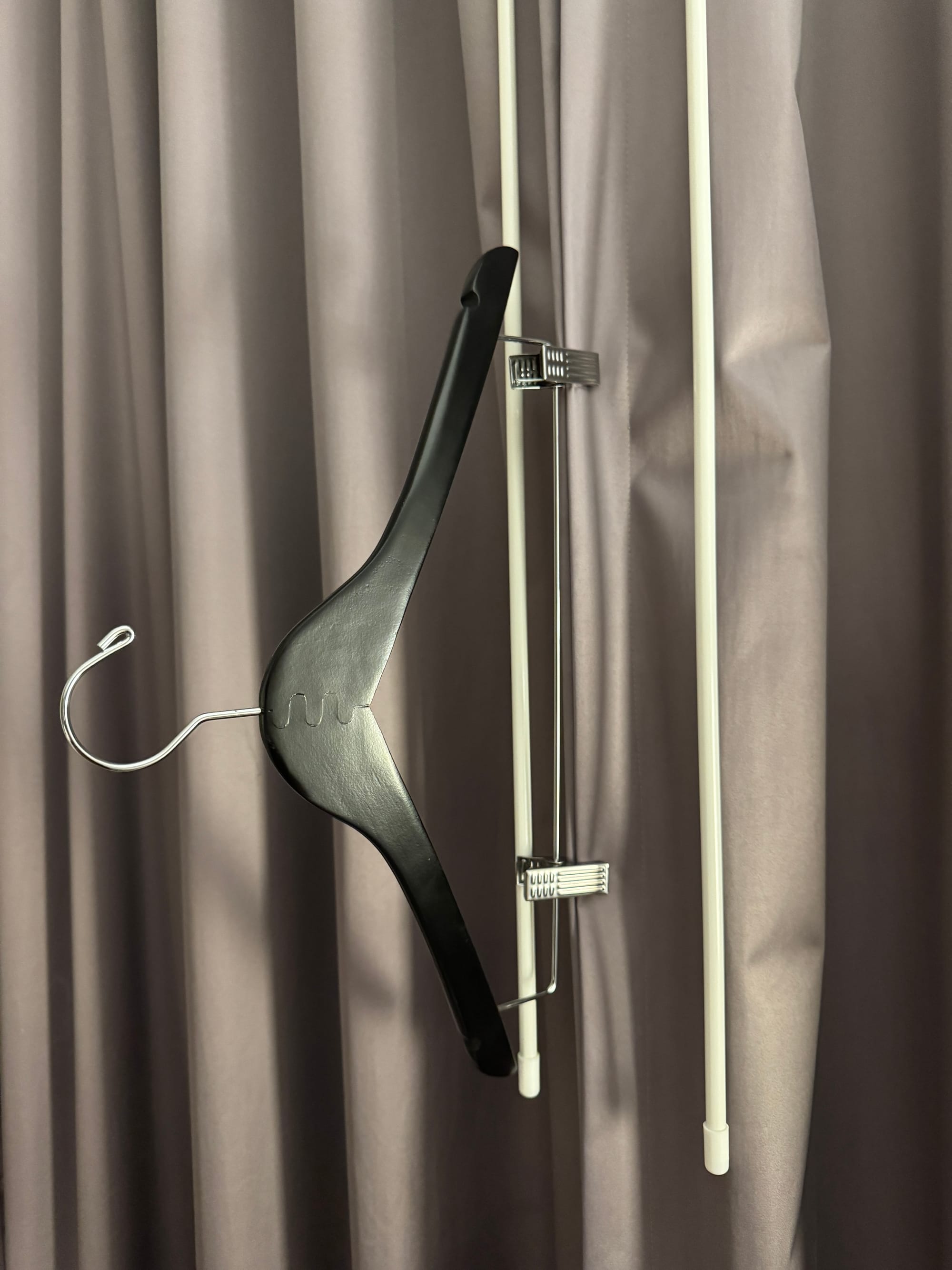
The next morning, you'll sleep like a baby.
Two classic apps I never travel without
Speaking of internet classics, there are two apps I've been using every time I travel, one for over 10 years and the other for 20.
The oldest one is TripIt, which I joined when it launched in the 2000s and all it does is check your email for travel-related confirmation emails, then adds them to your calendar along with all the confirmation numbers and addresses and proper flight times. It's worked flawlessly for years doing that one function very well.
The other app is FlightAware. I run the iOS app and any time you fly, you put in your airline and flight number and it'll show you the flight history over the past few days, how often the plane was late, etc, but there's a button marked "Where is my plane?" that you can hit on the day of your flight and see in realtime exactly where your plane is located, and quickly determine if your flight will leave on time, or if it's backed up from three late arrivals earlier today. Honestly, this little app gives me more information than the airline ever would, and I love it to death.
Last one: every hotel has room service thanks to food delivery apps

I've never been a big user of DoorDash, Uber Eats, Toast, or any of the local restaurant delivery apps because most of the time adding delivery doubles the order cost and I can drive myself to pickup my food just as quickly.
But when I'm in a strange town and I'm exhausted and it's late and I don't know anything good to eat at nearby, I pull up a food delivery app, search for something that would hit the spot, and treat myself by getting something delivered. It's been great on trips, as I often fly to cities and skip renting a car, using public transit or walking as much as possible.
After a long day on a plane, nothing hits the spot like getting to eat my favorite Indian dish that was brought to my lobby at the same time I was settling in and unpacking my clothes.