Controlling your home with tiny, cheap touchscreens

A few weeks ago, I read my friend Michael Pusateri's post on this tiny touchscreen you can buy at Aliexpress, and how he programmed it to become buttons for his Home Assistant setup, letting anyone who walks into his kitchen control the lights with a simple tap.
I was immediately intrigued and ordered one because I knew it would solve a problem in my house.
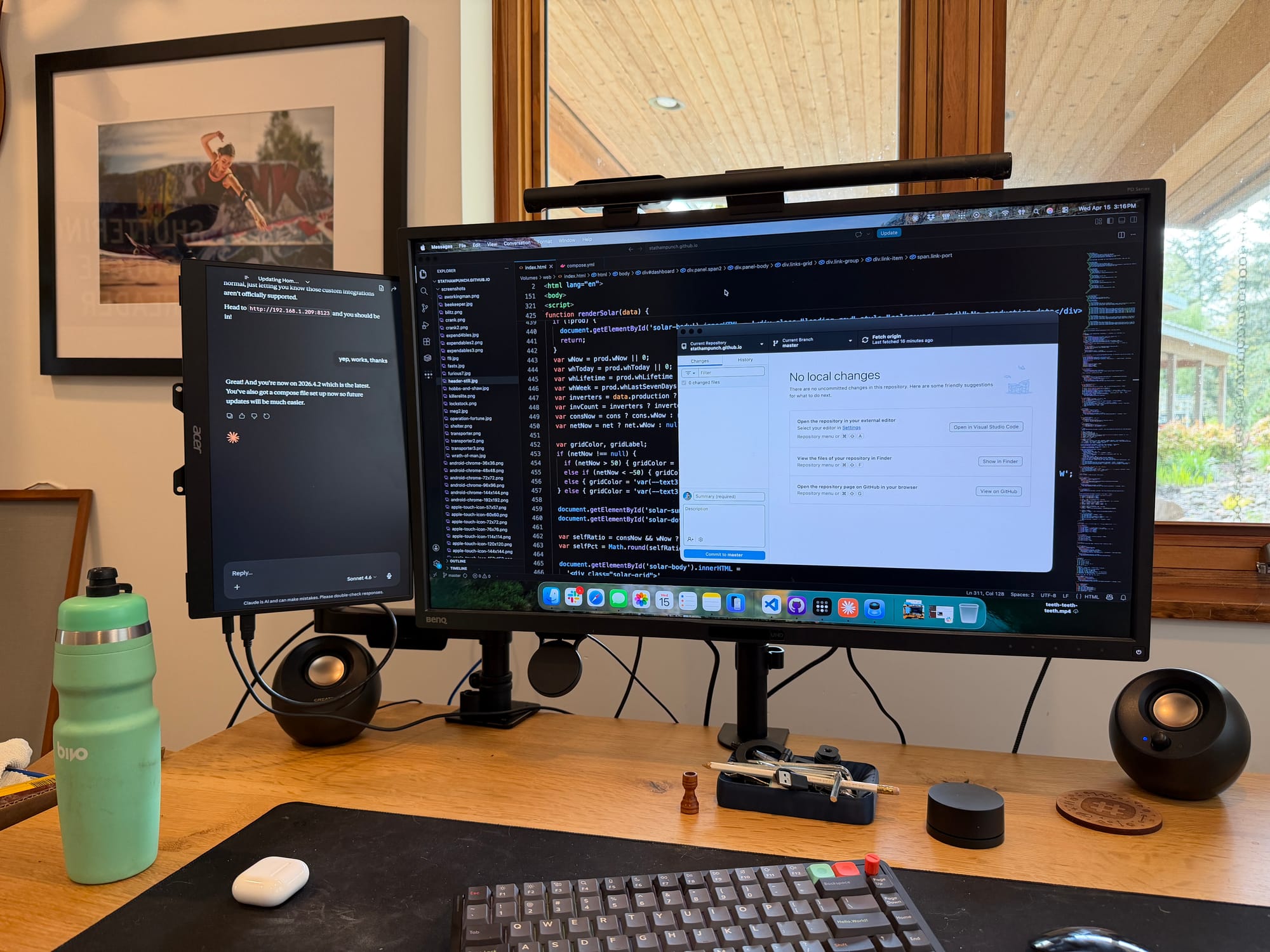
My home office is where I work and because I'm also lazy, I long ago installed a motion sensing wall switch that powers overhead lights. I love that the room comes to life whenever I walk in, saving me a couple seconds of tapping a wall switch. But it also means whenever anyone (including our cats) walks into the room, all four overhead lights flick on. Not ideal at 2am.
Usually this isn't much of a problem but I don't love having four bright white LED overhead lights on late at night if I'm working there, and since the lights have Philips Hue bulbs in them, they can be any RGB color. At night, I set them at a low brightness with a bluish-purple hue that doesn't compete with the brightness from my monitor.
The family-wide issue is, if I set the lights to dark at night via timers (or manually), if someone walks into my office and needs to find something or pick something up off the floor, you'll want full brightness. But not everyone in my house has the Hue app configured and knows the exact 5 taps it takes to select our upstairs hub, then the home office zone, then the overhead lights themselves, before picking a new lighting "scene" color.
Vibe coding a quick timesaver
My touchscreen showed up after about a week so I hooked it up to my Mac, then I pointed Codex at Michael's GitHub of his touchscreen code. I asked it to take his code and tweak it to my own Home Assistant setup in my house, then I added the Hue bulbs to my setup and I could see the lighting scenes inside Home Assistant. I gave Codex my local network information and the Home Assistant addresses for the bulbs and the scenes and told it to make a very simple two button interface that I would keep inside my office. After a couple hours of Codex having to figure out how to talk to the touchscreen over USB and how to flash the firmware, it was operational.
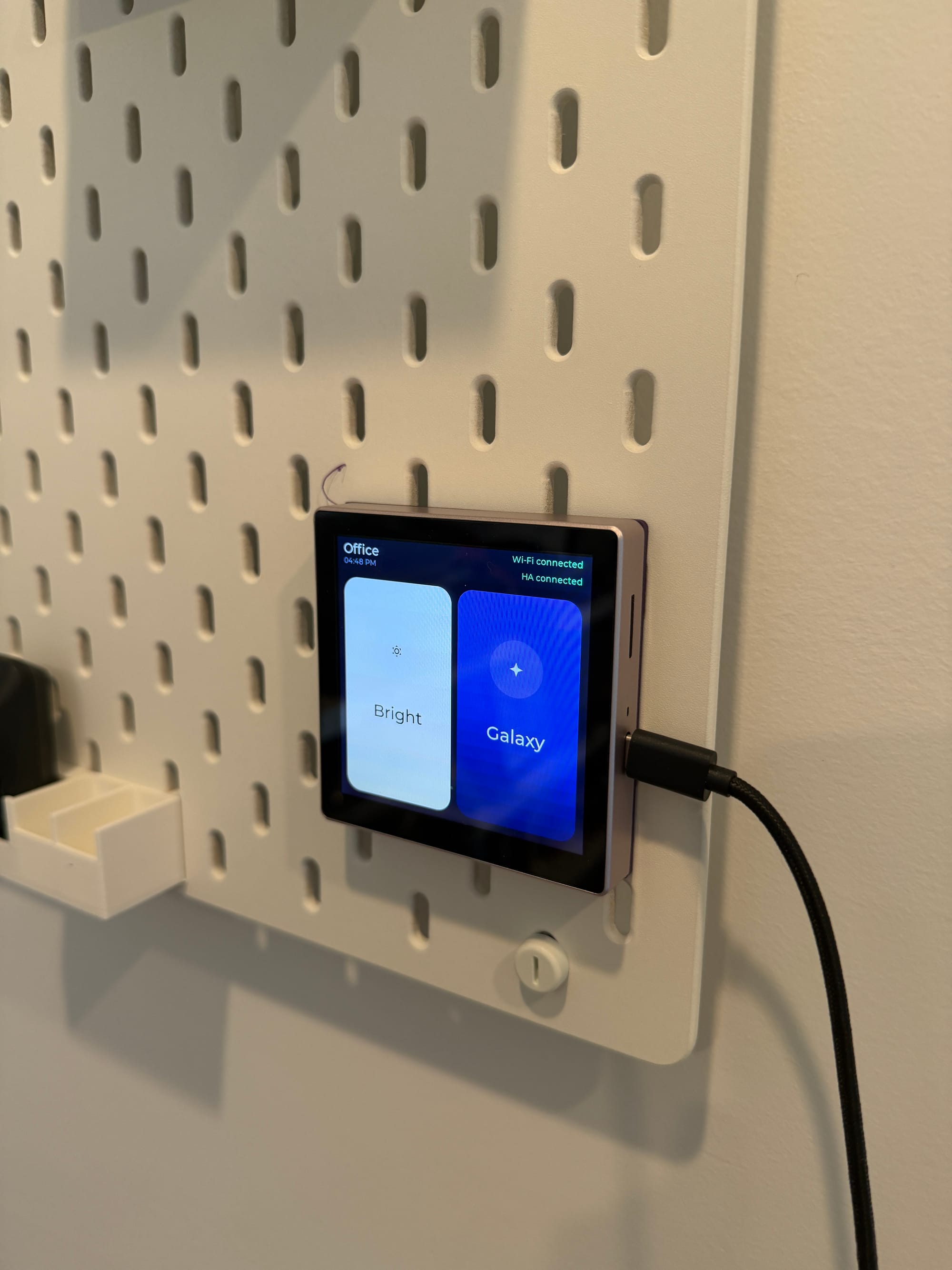
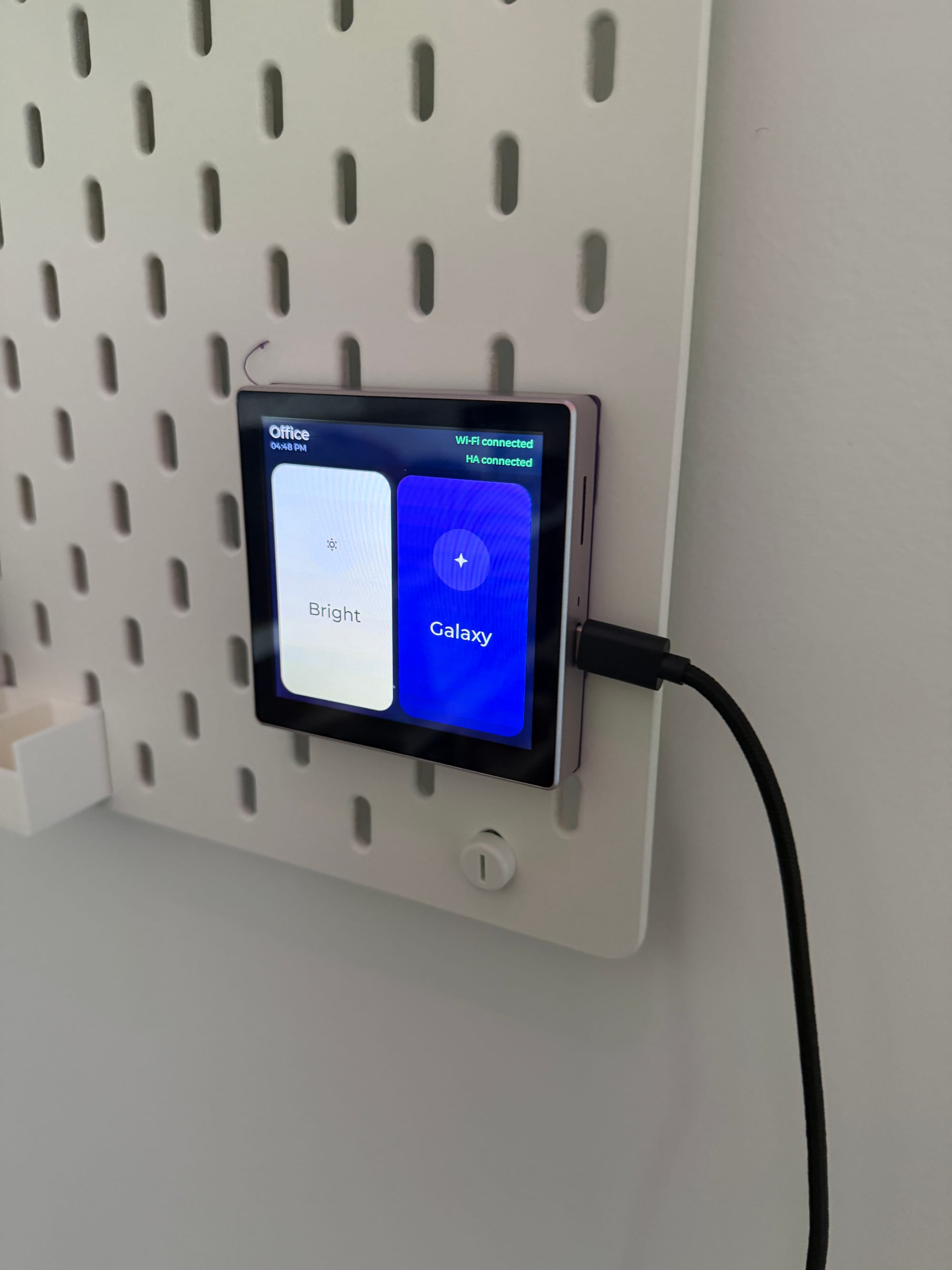
Daytime shots of my screen in action: left side is lights on full bright, right side is the purple "galaxy" scene
I 3D printed an IKEA skadis mount for it and plugged it into USB power right next to the door to my office. Now, any time anyone wants to make the lights bright or very dim, you just tap the screen to wake it up, then tap one of the big buttons and the lights instantly change.
The verdict: amazing
This turned out really well and was a cheap solution to my problems (it cost me about$16 but it currently shows me $21 for a screen). In the weeks since I set it up, it's been so useful for everyone else in the house that I'm considering buying one for the kitchen to control all the living room lights without anyone having to take their phones out, and another one in my barn to turn all the lights on whenever I walk in (currently I always fire up the Apple Home app and run a shortcut to turn on the 6 different light switches).
If you run Home Assistant as your IoT home backend like I do, pointing Claude or Codex at Pusateri's Github repo will likely get you a custom interface with buttons to control the exact devices you want in just a couple hours of tinkering.
One last tip: search Makerworld.com for "ESP32-S3" and you'll find all sorts of custom mounts for the display to let you hang it on a wall, or have it sit on a countertop. It requires constant usb-c power, and some mounts help hide the cords too.
There's been a long rumored Apple "HomePod Screen" product that is always about to come out, to let people control their homes from an iPad-like device in your kitchen, but that would likely cost hundreds of dollars and this is a full color LCD touchscreen with an Arduino backend that is highly hackable for around twenty bucks. That's really incredible when you think about it.
Honestly, this feels like one of those hacker projects that is so good it could be a product normal people could someday buy, but you'd have to also get them into the Home Assistant ecosystem, which probably limits the market of "normal people". Anyways, I can't recommend these cheap little touchscreens highly enough. A year from now, I might have half a dozen sprinkled throughout my house.